Who uses Pika?
“Pika serves a variety of industry professionals who share the same high standards for creative work.”
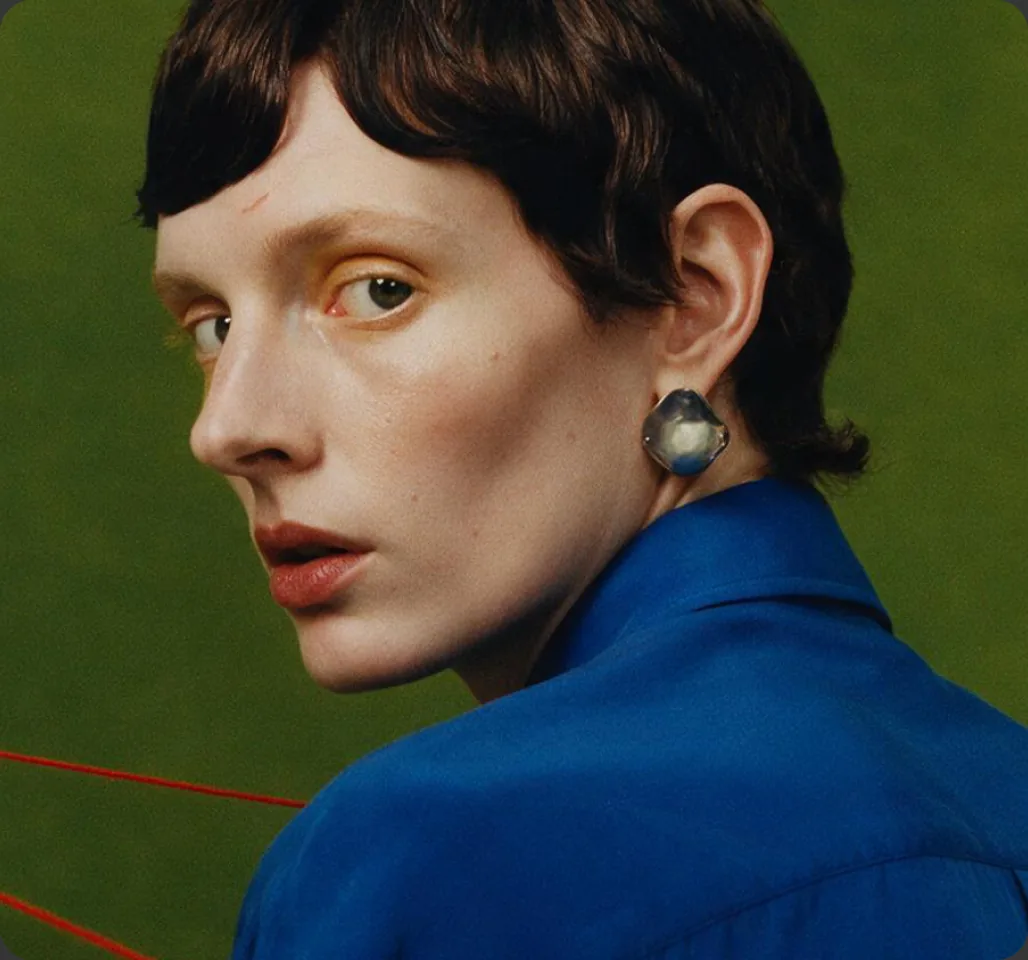
Pika’s homepage names four groups: Ad Creatives, Editors, Marketers and Filmmakers. With video, image and audio tools in one account, the same set of apps covers a wide range of jobs, from a single Reel to a full campaign.
Source: Pika homepage.
Quick matrix: use case → tools
| Use case | Main tools | Guide |
|---|---|---|
| Reels and Shorts | Video Studio, Soundtrack | Reels · Shorts |
| Short films and stories | Video Studio, Character Studio, Extend Video, Pika Music | Short films |
| Travel and memories | Image-to-video, Pikaframes | Travel videos |
| Product ads | Product shots, Video Studio, Speech Studio | Product ads |
| Product photography | Product shots, Image Studio, image editing | Product shots |
| Brand look on existing footage | Color Grade | Color Grade |
| Voiceovers and narration | Speech Studio, Pika Speech | Voiceovers |
| Music and sound design | Pika Music, Pika SFX, Soundtrack | AI audio |
| Apps and automation | Pika API | API guide |
Use cases for creators
1. Social creators: Reels, TikToks and Shorts
Make vertical 9:16 clips from a sentence or a photo, then add sound in one step with Pika Soundtrack, which “gives any footage native music, voiceover, and motion-aware sound effects.”
9:16. A cat in sunglasses rides a skateboard down a sunny beach boardwalk, low tracking shot, bright summer colours, playful and fast.
2. YouTubers: B-roll, intros and explainers
Generate B-roll for topics you can’t film, a branded intro, or visuals for an explainer, then narrate with Speech Studio. Use Extend Video when a shot needs more time.
3. Filmmakers: concepts, pre-vis and short films
Test shots before a real shoot, build animatics, or make complete short films with consistent characters from Character Studio. Pika community templates show multi-shot prompts with ordered shot lists; see Pika templates.
4. Musicians and podcasters
Create music with Pika Music, visuals for a track, or a podcast intro voice. Pika says Speech Studio is built “for use in podcasts, customer service, or video voiceover.”
5. Artists and illustrators
Animate your own artwork with image-to-video, or morph between two pieces with Pikaframes.
6. Travel and personal memories
Bring holiday photos to life: gentle camera moves, drifting clouds, moving water. See turn travel photos into videos.
7. Game makers
Generate sound effects with Pika SFX, which Pika describes as “instantly usable in videos, games, and editing workflows,” plus trailers and concept art.
Use cases for businesses
Product photos and videos
Studio-style product shots without a shoot, then short motion clips for listings and ads.
Product shots guide →Social ads and campaigns
Many ad variations for testing: different hooks, settings and formats from one product.
Product ads guide →Pitches and mock-ups
Visualise concepts for clients before production, and speed up storyboards.
Storytelling guide →Editing existing footage
Restyle with Color Grade, lengthen with Extend Video, copy motion with Motion Transfer.
Color Grade guide →Voiceover and explainers
Narrated how-to videos, onboarding clips and customer service audio from a script.
Voiceover guide →Multilingual video
ElevenLabs models in Pika for voiceover in other languages.
Multilingual v2 guide →Starter prompt: e-commerce product clip
A ceramic coffee mug on a light oak table beside a window, morning light, steam rising gently. Slow push-in. Keep the mug’s shape and glaze exactly as in the reference image. Clean, warm, no text.
Use cases for developers and teams
The Pika API brings the same kinds of models into your own product. Pika’s API site describes:
| Builder | Pika’s description |
|---|---|
| Indie developers | “Vibe code anything from a recipe site to a virtual try-on app.” |
| Startups | “Level-up your product with gen AI media at a lower cost.” |
| Designers | “Create prototypes with working image and video gen.” |
| Creative agencies | “Integrate Gen Media into your internal creation tools.” |
Pricing and access: Pika API Club. Larger teams: Enterprise API planning guide.
Source: Pika API homepage.
Pika’s own example: the ad creative workflow
Pika’s homepage shows a four-step workflow for ad creatives, each linked to an app:


Guides for each step: Image Studio, Color Grade, voiceovers and Video Studio.
Which plan fits your use case?
| Use | Suggested plan | Why |
|---|---|---|
| Trying things out | Free + credit pack | No monthly credits; packs from $50 |
| Personal social content | Starter, $10/month | 900 credits; no commercial license listed |
| Client or business work | Creator, $35/month | 3,150 credits; commercial license |
| Heavy production | Fancy, $95/month | 8,550 credits; unlimited parallel; priority queue |
| Building an app | Pika API Club | $10/month plus pay-as-you-go |
More: Pika pricing.
Rights and responsible use
- Commercial use: Pika’s pricing page lists a commercial license on Creator, Fancy and Enterprise, not on Free or Starter. API outputs are “licensed for commercial use under your Pika API agreement.”
- Real people: Pika’s policy says not to upload “likenesses of real individuals without their express consent.”
- Brands and IP: only use logos, products and characters you have rights to.
- Disclosure: follow platform and advertising rules on AI-generated content.
Where Pika fits less well
- Exact on-screen text in video is hard for generative models; add titles in an editor.
- Long-form video is built from many short clips, so plan to edit.
- Real-time use: Pika’s API docs say it’s not for “realtime or streaming inference.”
- Documentary truth: generated footage shouldn’t be presented as real events.
Compare other tools: Pika comparisons.
Pika use case FAQs
What is Pika best used for?
Short videos, product visuals, and audio for video. Pika’s homepage highlights ad creatives, editors, marketers and filmmakers.
Can businesses use Pika commercially?
Yes, on plans that include the commercial license (Creator, Fancy and Enterprise), or through the API.
Can Pika make a full video, not just clips?
Pika’s Video Studio is described as able to “create short clips or full videos from your references.” For longer projects, combine clips in an editor.
Is Pika good for beginners?
Yes. Start with a template or one of our prompts, then change one thing at a time. See Pika templates.
Is this the official Pika website?
No. pikaais.com is an independent informational guide.
Pick one use case and try it
Choose the row in the matrix closest to your work, open its guide, and make your first clip.
Start with Video StudioNext: Templates · AI video hub · Pika pricing
Sources: Pika homepage, Pika pricing, Pika API, Speech Studio, Pika SFX, Pika Soundtrack and Pika Acceptable Use Policy, checked September 24, 2026. Images: Pika. Use-case suggestions and prompts are our own.