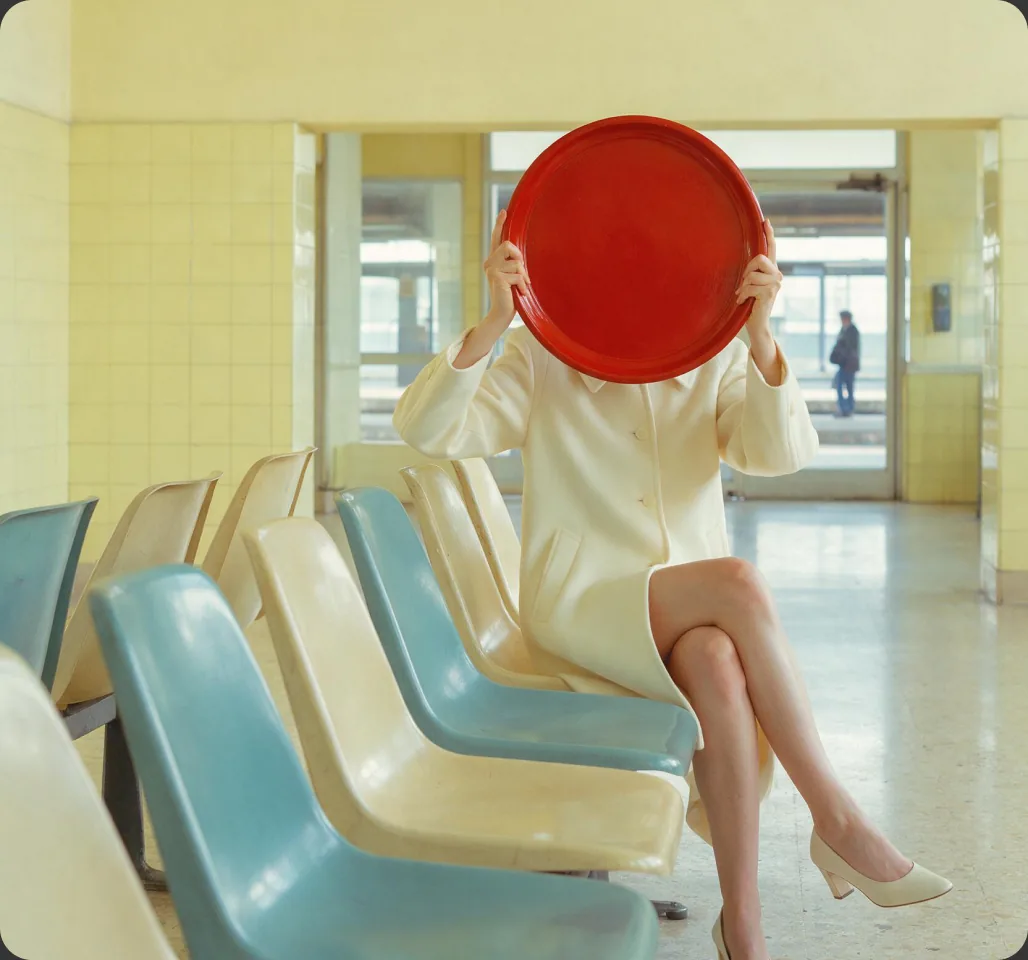
What are Pika templates?
On its homepage, Pika’s “Made with Pika” gallery links to “See all community templates,” which opens Discover. Pika describes Discover as a place to “explore videos, images, and audio made by the Pika community, and remix the ones you like.”
In practice, a template is a finished community creation you can reuse: each one shows the model used and offers a “Make your own” button that opens that model’s app with the creation ready to remix.
Sources: Pika homepage and Pika Discover.
Where to find templates
- Go to create.pika.art/discover, or click “See all community templates” on pika.art.
- Browse by category; Discover currently shows Featured, Video and Image.
- Open a creation to see its creator, model and prompt description.
How to remix a template
- Open the template in Discover and watch it through.
- Click “Make your own.” On the examples we checked, this opens the model’s app (for example Seedance 2.5) with a remix link.
- Read the prompt before changing anything, so you understand what each line controls.
- Swap one thing at a time: subject, then references, then style.
- Check the credit cost, then generate. Longer and higher-resolution templates cost more; see Pika pricing.
- Save your version as your own starting point for the next project.
Community template examples
Featured on Pika’s homepage, all made with Seedance 2.5. Descriptions are quoted from each page; open them on Pika to watch and remix.
One Last Touch Blush Film
“Create a 10-second, 16:9 retro fashion-editorial film with five shots in this exact order: wide shot → facial close-up → medium shot…”
View and remix on Pika ↗ Brand ad · by SsssBreathing Royal Blue Vogue
“10s 9:16 high editorial fashion brand ad. Medium close-up portrait, STATIC camera.”
View and remix on Pika ↗ Vlog style · by Leti LiuFirst Morning In My Flat
“CAMERA: Handheld DV camcorder aesthetic, first-person selfie POV…”
View and remix on Pika ↗ Concept film · by Leti LiuFrozen Rocket Tuesday
“30-second frozen-time film, 16:9. THREE REFERENCES, EACH WITH ITS OWN JURISDICTION…”
View and remix on Pika ↗ Product film · by SsssFast, chaotic product film
“Create a product film for my product.”
View and remix on Pika ↗Community creations belong to their creators and are shown on Pika. We link to them rather than copy them. Featured items change over time.
Anatomy of a good template
The community examples above share patterns worth copying:
| Element | Example from the community | Why it helps |
|---|---|---|
| Length and aspect ratio up front | “10s 9:16”, “30-second … 16:9” | Sets the format before anything else |
| Genre or purpose | “fashion brand ad”, “product film” | Gives the model the overall style |
| Camera rules | “STATIC camera”, “Handheld DV camcorder aesthetic” | Stops random camera moves |
| Ordered shot list | “wide shot → facial close-up → medium shot…” | Controls pacing in multi-shot clips |
| One job per reference | “THREE REFERENCES, EACH WITH ITS OWN JURISDICTION” | Stops references blending together |
How to customise any template
- Change one element per generation so you know what caused each difference.
- Keep the structure (camera rules and shot order) — it’s usually why the template works.
- Use your own references for people and products you have rights to.
- Shorten before you lengthen: test a 5-second version before a 30-second one to save credits.
- Reformat for platforms: 9:16 for Reels and Shorts, 16:9 for YouTube.
- Finish with sound using Pika Soundtrack or a voiceover.
Six customisable templates with sample results
Our own templates, built on the patterns above. Replace the words in [BRACKETS], copy, and paste into a model such as Seedance 2.5 in Pika.
Product reveal ad
A [PRODUCT] on [SURFACE], [LIGHTING]. The camera starts close on [DETAIL] and slowly pulls back to reveal the whole product. Keep the product shape, colour and label exactly as in the reference. Clean, premium, no text.
Swap: PRODUCT, SURFACE (wet black stone, linen, marble), LIGHTING (soft window light, hard studio rim light), DETAIL (logo, texture, cap).
Tip: Change the camera move to “slow orbit to the right” for a second version.
Fashion editorial shot list
A [LENGTH]-second [STYLE] fashion film with [NUMBER] shots in this order: wide shot → close-up of the face → medium shot → detail close-up of [DETAIL] → wide shot. A woman in [OUTFIT] at [LOCATION]. Keep the same colour grade in every shot.
Swap: STYLE (retro, surreal, minimalist), OUTFIT, LOCATION, DETAIL, and the shot order itself.
Tip: Inspired by the structure of Pika community templates that list shots in order. Try removing one shot for a tighter 5-second cut.
Vertical brand portrait
10-second 9:16 editorial brand ad. Medium close-up portrait, static camera. [SUBJECT] in [WARDROBE] against a [BACKGROUND] backdrop, [MOOD] expression, subtle breathing and a slow blink. Soft [COLOUR] light.
Swap: SUBJECT, WARDROBE, BACKGROUND colour, MOOD (calm, confident, playful), COLOUR of light.
Tip: Keep “static camera”: it’s what makes this template feel like a portrait rather than a scene.
Camcorder selfie vlog
Handheld DV camcorder look, first-person selfie POV. [CHARACTER] films themselves [ACTION] in [PLACE] in the morning, slight camera shake, warm home-video colours, date stamp in the corner.
Swap: CHARACTER, ACTION (making coffee, opening curtains), PLACE (a new flat, a hotel room).
Tip: Swap “morning” for “late at night” and “warm” for “blue-grey” to change the whole mood.
Frozen-time moment
A frozen-time film: everything in [SCENE] is paused mid-motion except [MOVING SUBJECT], who walks slowly through it. The camera tracks alongside. Use reference 1 for the location, reference 2 for the character, reference 3 for the frozen object.
Swap: SCENE, MOVING SUBJECT, and which reference controls what. Giving each reference one clear job keeps them from mixing.
Tip: Pika community templates show this “one job per reference” pattern; test with two references first.
Social ad with voiceover
[PRODUCT] on a bright kitchen counter as morning light moves across it. Slow push-in, cheerful and fresh. Leave the lower third clear for captions.
Swap: PRODUCT and setting. Then add a voice line in Speech Studio, for example: “[HOOK]. [BENEFIT]. Try it today.”
Tip: Pika’s own Ad Creatives workflow suggests “Add VO for social”; see our voiceover guide.
Poster images: Pika. Sample clips show our customised versions with the settings listed.
Sample images: Pika’s Ad Creatives workflow
Pika’s homepage shows these images in its Ad Creatives workflow, with prompts to “Craft the exact image you need,” “Give footage your look,” “Add VO for social,” and “Create short clips or full videos.” They make good starting stills for image-to-video templates.

Still to start from
Animate with image-to-video: describe only the motion.
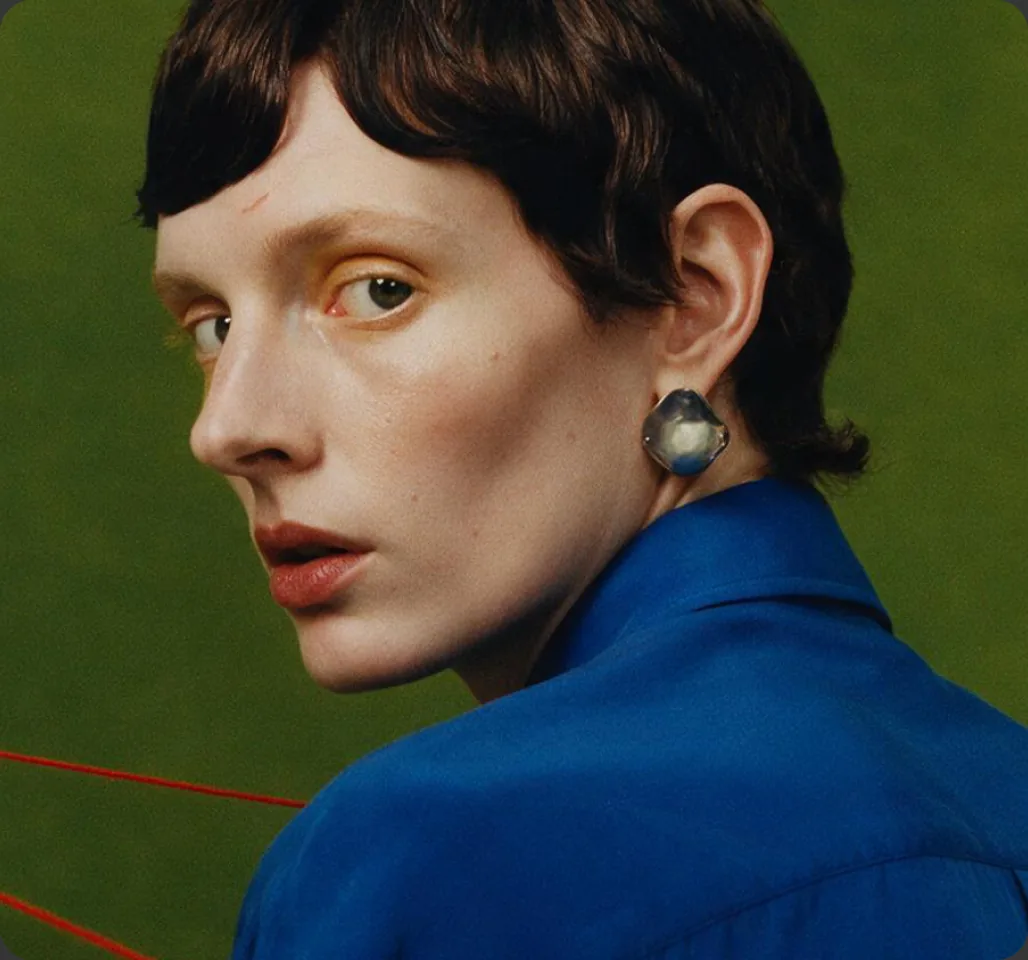
Restyle with Color Grade
Keep the shot, change the look with Color Grade.
Pika apps as ready-made templates
Beyond community remixes, many Pika apps work like templates for a specific job:
| Job | App guide |
|---|---|
| Product photos | Product shots |
| Reusable characters | Character Studio |
| Transitions between images | Pikaframes |
| Copying movement | Motion Transfer |
| Longer clips | Extend Video |
| Music, voice and effects | Pika Soundtrack |
Remixing responsibly
- Real people: Pika’s Acceptable Use Policy says “You must not upload or submit photographs, portraits, or other likenesses of real individuals without their express consent.”
- Others’ IP: don’t use brands, characters or artwork you don’t have rights to.
- Credit inspiration when you share a remix built closely on someone’s template.
- Commercial use: Pika’s pricing page lists a commercial license on Creator, Fancy and Enterprise plans.
Pika templates FAQs
Where are Pika templates?
In Pika’s Discover section at create.pika.art/discover, which Pika’s homepage links to as “community templates.”
How do I use a template?
Open a creation and click “Make your own.” On the examples we checked, it opens the model’s app with a remix link, ready for you to edit and generate.
Do templates cost credits?
Browsing is free; generating your remix uses credits like any generation, based on the model and settings.
Can I share my own template?
Discover shows community creations. Check Pika’s app for current sharing options.
Is this the official Pika website?
No. pikaais.com is an independent informational guide.
Remix one template today
Pick a community template, swap the subject for your own, and compare it with the original.
Open Pika Discover ↗Next: 50 video prompts · Prompts with results · Seedance 2.5 guide
Sources: Pika homepage, Pika Discover and linked community pages, Pika pricing and Pika Acceptable Use Policy, checked September 24, 2026. Images: Pika. Sample templates and analysis are our own.