
Two ways to make a short film in Pika
Short Film app
Pika says it will “turn any premise into a cinematic, multi-shot masterpiece.” You “sketch out the story, select a style, and add references,” and “the app will build everything else—from the script to storyboards to the final riveting film.”
Best for: getting from idea to a complete draft quickly.
Shot by shot in Video Studio
You write and generate each shot yourself. Video Studio can produce “anything from a short clip to a 3-minute multi-shot masterpiece—sound included,” with up to 50 attached references.
Best for: precise control over every shot, or fixing parts of an app-made film.
Many creators combine them: draft the whole film with the Short Film app, then regenerate weak shots individually in Video Studio.
Start with the idea, not the prompt
AI short films succeed or fail on the idea. A simple premise with one character, one place and one turn is far easier to make well than an epic with many locations.
Example premise: An elderly lighthouse keeper (character) must keep the light burning through one last storm (want) after the generator fails (obstacle) on a remote island at night (place). When the light finally returns, a small boat he never expected appears on the horizon (turn). Moody, cinematic, cool blue tones (style).
The premise is our own. Aim for 30 to 90 seconds on a first film: short enough to finish, long enough to tell a story.
Route 1: the Short Film app, step by step
- Open Short Film. Sign in at create.pika.art and open Short Film.
- Sketch out the story using your six-part premise.
- Select a style from the options the app offers.
- Add references for your main character, key location and any important props.
- Review the script and storyboards the app builds before committing to the full film, if the app lets you. Fixing a story beat here is cheaper than fixing it in video.
- Check the credit cost shown in the app, then generate.
- Watch the draft, note weak shots, and rework them in Video Studio.
What Pika doesn’t publish. The Short Film app page doesn’t list film length, number of shots, style options or price. Check the options and cost the app shows before generating; see Pika pricing for plans and credit packs.
Route 2: shot by shot in Video Studio
Break the story into shots, then generate each one with the same references and style words. A shot list keeps everything consistent.
| Shot | Framing & camera | Action | Sound |
|---|---|---|---|
| 1 | Wide, static | Lighthouse on the island, storm rolling in | Wind, distant thunder |
| 2 | Medium, handheld | @keeper climbs the spiral stairs with a lantern | Footsteps, rain on glass |
| 3 | Close-up, static | The generator sputters and dies; lights go out | Engine cut, silence |
| 4 | Close-up on hands, slow push-in | @keeper strikes a match and relights the lamp | Match strike, flame |
| 5 | Wide, slow pull back | The beam sweeps the sea; a small boat appears | Music swells |
- Attach your character, location and style references in Video Studio.
- Generate each shot short (around 5 seconds), reusing the same style words in every prompt.
- Lengthen shots that need it with Extend Video.
- For a planned move between two images, use Pikaframes.
- For precise performance, record yourself and use Motion Transfer.
Keeping characters and places consistent
Consistency is the hardest part of AI filmmaking. These habits make the biggest difference:
Build characters first
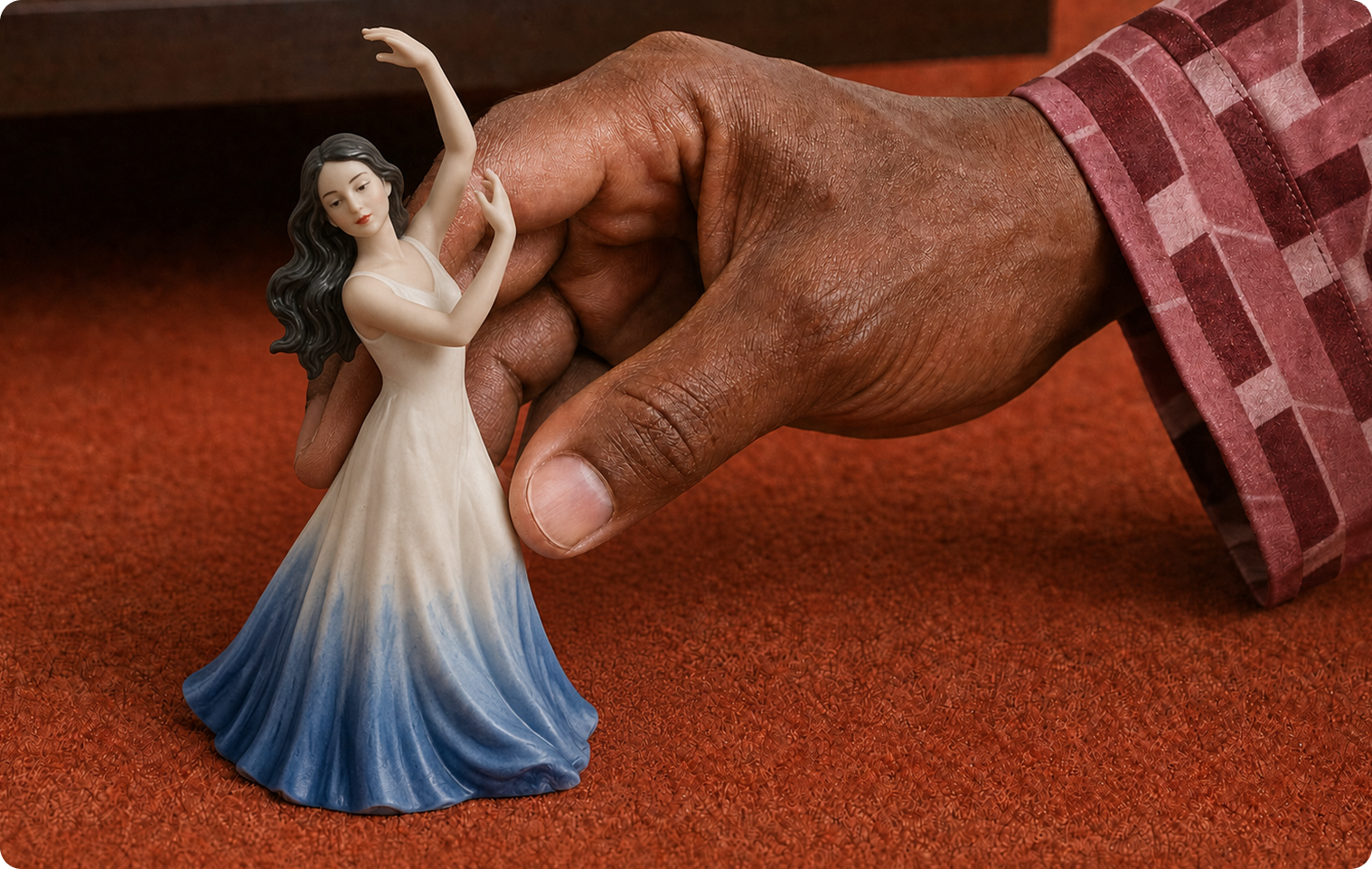
Create each main character in Character Studio and attach the same reference to every shot.
Fix your locations
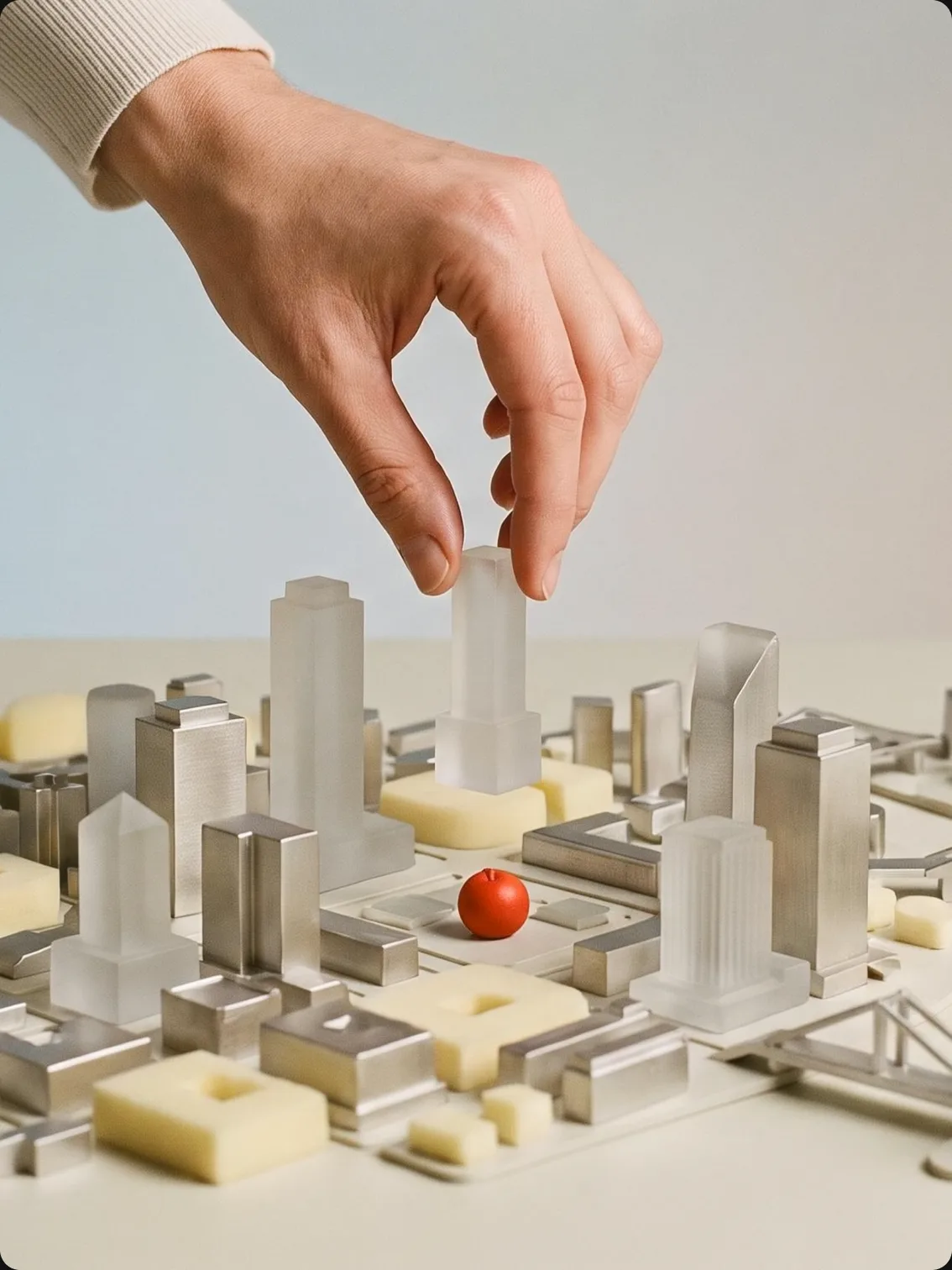
Generate a still of each location in Image Studio and use it as a setting reference.
- Reuse exact wording. Copy the same character and style description into every prompt.
- Lock the light. Keep time of day and light direction the same across a scene.
- Stick to one model per scene. Switching models mid-scene changes the look.
- Grade at the end. Use Color Grade with one reference frame to match every shot.
Shot vocabulary for storytelling
| Shot | Use it to |
|---|---|
| Establishing wide | Show where we are at the start of a scene |
| Medium shot | Show a character and what they’re doing |
| Close-up | Show emotion or an important detail |
| Insert / detail | Highlight an object: a key, a letter, a switch |
| Over-the-shoulder | Show what a character is looking at |
| Slow push-in | Build tension or focus on a realisation |
| Pull back | End a scene or reveal scale |
For camera wording, see the text-to-video guide; for cinematic prompt ideas, see 50 Pika prompts to test.
Sound and the final edit
Music and ambience
Add a score or atmosphere with Pika Soundtrack or Pika Music.
Sound effects
Footsteps, doors, weather and impacts with Pika SFX.
Voice and narration
Dialogue or voiceover with Pika Speech and voiceovers.
Edit and titles
Assemble shots, trim, and add titles and credits in your video editor.
Watch the finished cut without sound, then with sound only. Each pass shows problems the other hides.
Short film examples
Each example lists the premise, the route used and what to check. The concepts are our own.
The Last Light
Check: the keeper looks the same in every shot.
Night Shift
Check: the street and lighting match across all shots.
Paper Fox
Check: the paper-cutout style holds from shot to shot.
Postcard
Check: transitions between places feel intentional, not like glitches.
Poster images: Pika. Film concepts and review notes are our own.
Common problems and fixes
| Problem | Fix |
|---|---|
| Character looks different between shots | Attach the same character reference to every shot and reuse exact wording |
| Story is hard to follow | Cut to one location and one turn; add an establishing shot per scene |
| Shots don’t match in colour | Grade every shot with the same reference in Color Grade |
| Action looks unconvincing | Use slower action, close-ups, or Motion Transfer from a recorded take |
| One weak shot spoils the film | Regenerate just that shot in Video Studio rather than the whole film |
| Dialogue looks off | Favour narration or reaction shots over on-screen lip movement |
Short film FAQs
How long can a Pika short film be?
Pika describes Video Studio output as ranging up to a 3-minute multi-shot piece. The Short Film app page doesn’t list a length; check the options in the app.
Does the Short Film app write the script?
Pika says the app builds “everything else—from the script to storyboards to the final riveting film” from your story sketch, style and references.
Can I keep the same character across the film?
Yes, by attaching the same character reference to every shot. Build it first in Character Studio.
Can I enter my Pika film in festivals or sell it?
That depends on your plan’s license and the festival’s rules on AI content. Pika’s pricing page lists a commercial license on the Creator and Fancy plans.
Can I use real people or existing characters?
Only with permission. Don’t depict real people without consent, and don’t use copyrighted characters you don’t have rights to.
Is this the official Pika website?
No. pikaais.com is an independent informational guide. Generation, accounts and purchases take place on Pika’s official services.
Make a 30-second film
Write a six-part premise with one character, one place and one turn, and run it through the Short Film app. Then fix the weakest shot by hand.
Open Short Film ↗Next: Video Studio · Character Studio · All AI video guides
Sources: Pika Short Film, Pika Video Studio and Pika pricing, checked September 24, 2026. Images: Pika. Premise template, shot list, concepts and advice are our own.