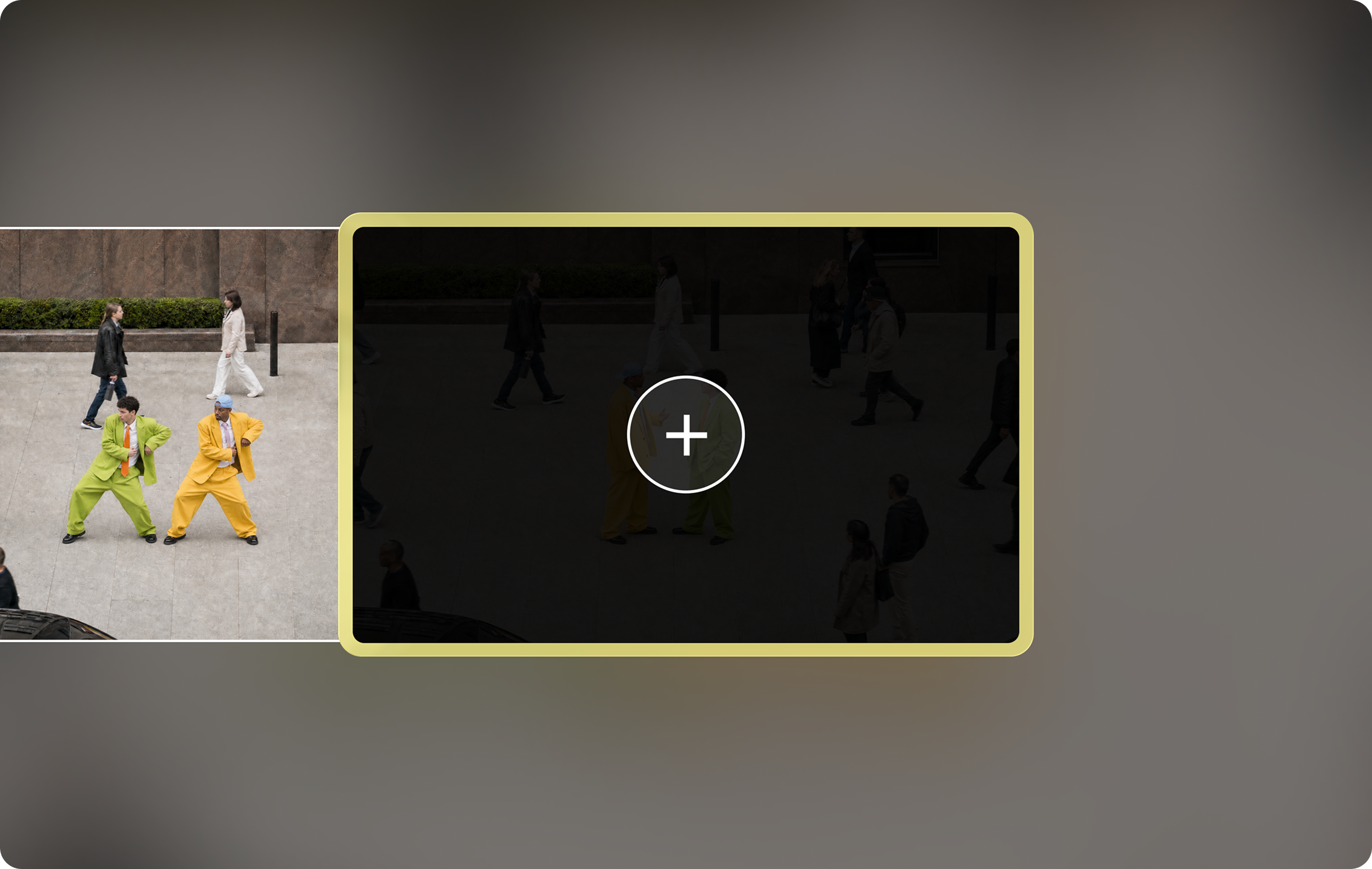
What is Extend Video?
“Add up to 8 seconds to the beginning or end of your clip. Extend Video picks up from your first or final frame, and keeps the scene going—same subjects, motion, sound, and look.”
For the complete guide (preparing clips, chaining extensions, fixing seams and drift), see How to Extend a Video With Pika.
Source: Pika Extend Video.
Extend Video at a glance
| Adds | Up to 8 seconds |
|---|---|
| Where | The beginning or the end of your clip |
| Starts from | Your first or final frame |
| Keeps | “Same subjects, motion, sound, and look” |
| Cost | Shown in the app before you generate; see Pika pricing |
Quick steps
- Trim first so the clip starts and ends on clean frames: how to trim.
- Open Extend Video and upload or select the clip.
- Choose whether to extend the beginning or the end.
- Pick how much time to add (up to 8 seconds) and describe what happens next, if the app offers a prompt.
- Check the credit cost, then generate.
- Watch the join closely at full screen for any jump in colour, faces or motion.
Extend the start or the end?
| Extend the… | Use it to | Describe |
|---|---|---|
| End | Let an action finish, hold a final moment, reach a longer platform length | What happens next, e.g. “she turns and walks away” |
| Beginning | Add a build-up, an establishing moment, or a lead-in before the key action | What happened just before, e.g. “the door slowly opens” |
Keep extension prompts simple: same scene, no new people or objects, one gentle action.
Example: one clip, extended both ways
Original clip
5 seconds, as generated.
Extended at the end
Up to 8 seconds added after the final frame.
Extended at the beginning
Up to 8 seconds added before the first frame.
Planning longer videos
Each extension adds up to 8 seconds, so you can build length in steps (our arithmetic):
| Extensions | Up to |
|---|---|
| 1 | 13 seconds |
| 2 | 21 seconds |
| 3 | 29 seconds |
Each extension can drift slightly from the original, so check faces and colours after every step. For stories with several shots, cutting between shots often looks better than one very long extended shot.
Extend vs other ways to get a longer video
| Tool | Pika’s description | Best when |
|---|---|---|
| Extend Video | “Add up to 8 seconds to the beginning or end of your clip.” | You love a clip and want it to continue |
| Video Studio | “Generate anything from a short clip to a 30-second multi-shot masterpiece.” | You’re starting fresh and want length from the start |
| Pikaframes | “Animate between up to five stills with Pika 2.5” | You want to control where the video goes, frame by frame |
| Short Film | “Turn any premise into a cinematic, multi-shot masterpiece.” | You want a story with several shots |
Video extension on the Pika API
For developers, the Pika API catalog includes extension
operations such as Veo 3.1 Video Extension, priced at $0.20 per second with audio
off and $0.40 per second with audio on. Its duration field is the “output length in
seconds (input length plus the added segment).” The catalog also lists Veo 3.1 Fast and FLUX 3
video extensions. We can’t confirm which model powers the Extend Video app.
Source: Pika API catalog: Veo 3.1 Video Extension and llms.txt.
Extend Video FAQs
How much can I extend a clip?
Pika says up to 8 seconds, at the beginning or end.
Does it keep the sound?
Pika says it keeps the scene going with the “same subjects, motion, sound, and look.”
Can I extend more than once?
You can run the extended clip through the app again; check quality after each pass.
How is this page different from your Extend Video guide?
This is a quick app walkthrough. The full guide covers preparation, chaining, seams and drift in depth.
Is this the official Pika website?
No. pikaais.com is an independent informational guide.
Add 8 seconds to your best clip
Trim to a clean last frame, then extend the end with one simple action.
Open Extend Video ↗Next: Full Extend Video guide · Trim video · All Pika apps
Sources: Pika Extend Video, Pika apps, Pika API catalog and Pika pricing, checked September 25, 2026. Images: Pika. Tips and length plans are our own.