
What are Pika apps?
“Explore Pika apps for creating and editing video, images, and audio.”
Pika’s apps page is organised into sections: the core Pika apps (four studios), Featured Apps, Featured Models, Pika Models and Community Templates. Studios are general-purpose; apps do one job well; model pages let you pick a specific model directly.
All quoted descriptions below are from Pika’s apps page, checked September 24, 2026.
Pick an app by goal
| I want to… | Open |
|---|---|
| Make a video from text or images | Video Studio, or a model like Pika 2.5 or Seedance 2.5 |
| Make a short story with several shots | Short Film |
| Change the camera angle of a clip I have | Camera Director |
| Replace a person or object in a clip | Swap Anything |
| Add something new into a video | Pikadditions |
| Morph between photos | Pikaframes |
| Create product photos | Product Shot |
| Keep the same character across videos | Character Studio |
| Fix lighting | Relight Media |
| Make a presenter or podcast video | Talking Head Video or Podcast Video |
| Add music, ambience and effects to a clip | Pika Soundtrack |
| Write and generate a song | Music Studio or Pika Music |
| Record a voiceover | Speech Studio or Pika Speech |
| Create a sound effect | Pika SFX |
The four studios
 Studio
Video Studio
“Generate anything from a short clip to a 30-second multi-shot masterpiece.”
 Studio
Image Studio
“Generate professional level imagery with maximum creative control.”
 Studio
Speech Studio
“Create studio-level voiceover and narrative audio from text.”
 Studio
Music Studio
“Generate an original music track with any lyrics, voice, or style.”
Featured apps
Single-purpose apps for specific jobs.
 Image
Image
Product Shot
“Create styled images of your product without a photoshoot.”
Swap Anything
“Recast anything in your clip — the performance stays as filmed.”
 Image
Image
Character Studio
“Customize a character who can be repeatedly used in your creations.”
Short Film
“Turn any premise into a cinematic, multi-shot masterpiece.”
Pika’s own models and apps
Pika 2.5
“Cost-efficient generations from text, reference, or keyframes.”
Pika Soundtrack
“Scores any clip to picture—music, ambience and foley matched to the action.”
Pika Music
“Generates full tracks from reference, lyrics, voice, and description.”
Pika Speech
“Cost-efficient text-to-speech model with over 50 voice presets.”
Featured models from other labs
Seedance 2.5
“ByteDance's newest and most advanced video model.”
MiniMax H3
“Create videos from up to 15 references, across sound, video, and image.”
Veo 3.1
“Google's cinematic shot generator, with native audio and direct 4K outputs.”
GPT Image 2.5
“OpenAI's image model for high-quality images and editing, plus transparency.”
Nano Banana
“Google's image model with 3 modes from Lite to Pro, covering sketch to final.”
Eleven Multilingual v2
“Localize any voice across 29 languages for studio-grade voiceover”
Compare them: video models · image models · audio models.
More Pika apps with guides on this site
| App | What it does | Guide |
|---|---|---|
| Color Grade | Pika’s homepage: “Give footage your look” | Color Grade guide |
| Upscale | “Take any image or video to a higher resolution.” | Improve quality |
| Extend Video | Make a clip longer | Extend Video guide |
| Motion Transfer | Copy movement from one clip to another subject | Motion Transfer guide |
| Edit Image | Edit, remove and restyle images | Image editor guide |
Demo videos
Short demos of popular apps, made with the settings noted.
Camera Director
Look for: Upload one clip, then pick a new angle such as a close-up or wide shot.
Swap Anything
Look for: Recast a person or object while the performance stays as filmed.
Podcast Video
Look for: A topic or script becomes a two-host video episode.
Talking Head Video
Look for: A lifelike avatar presents your script.
Pikaframes
Look for: Animate between up to five stills.
Pika Soundtrack
Look for: Music, ambience and foley matched to the action.
App image gallery
Artwork Pika uses for its apps.

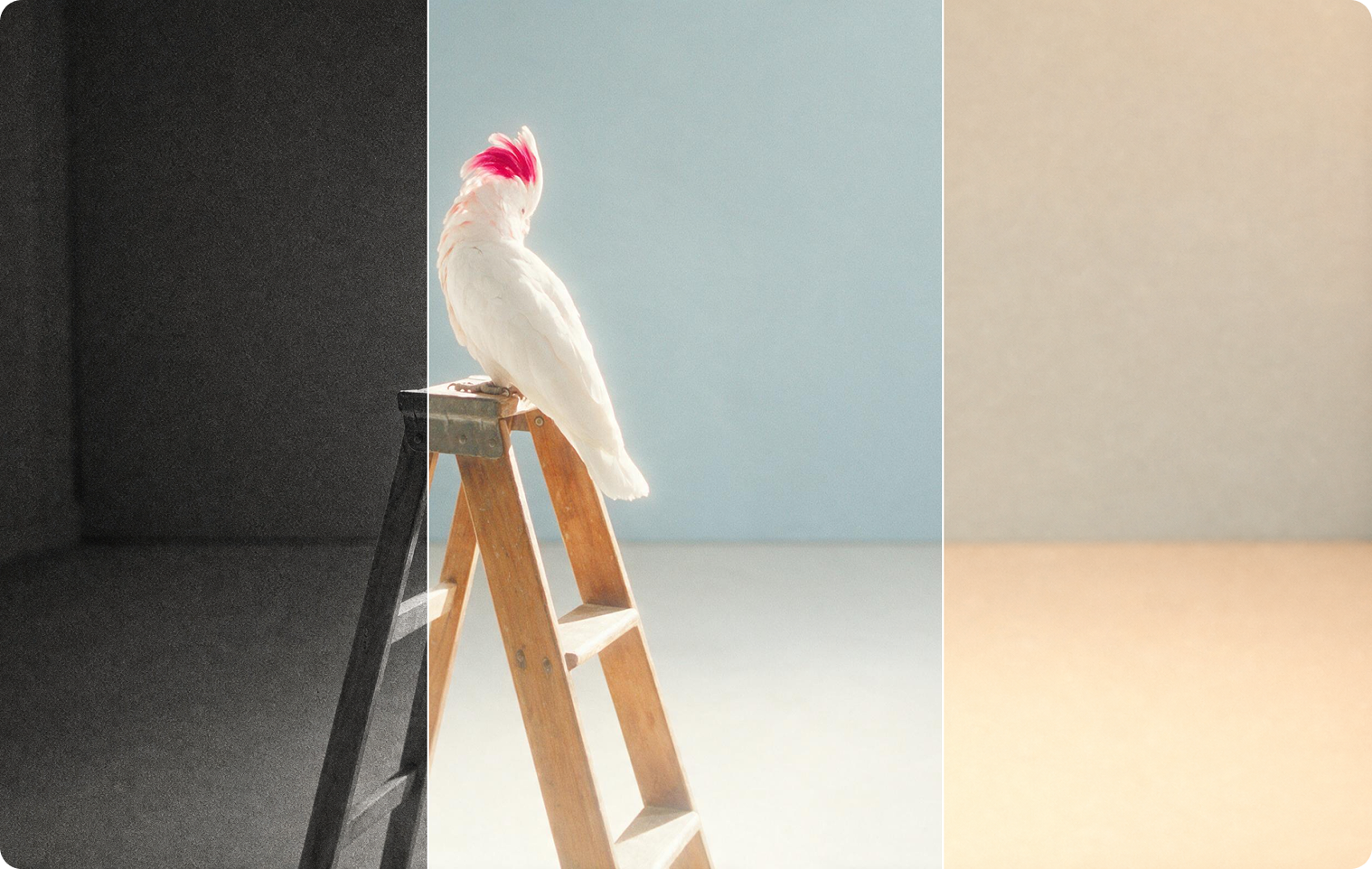
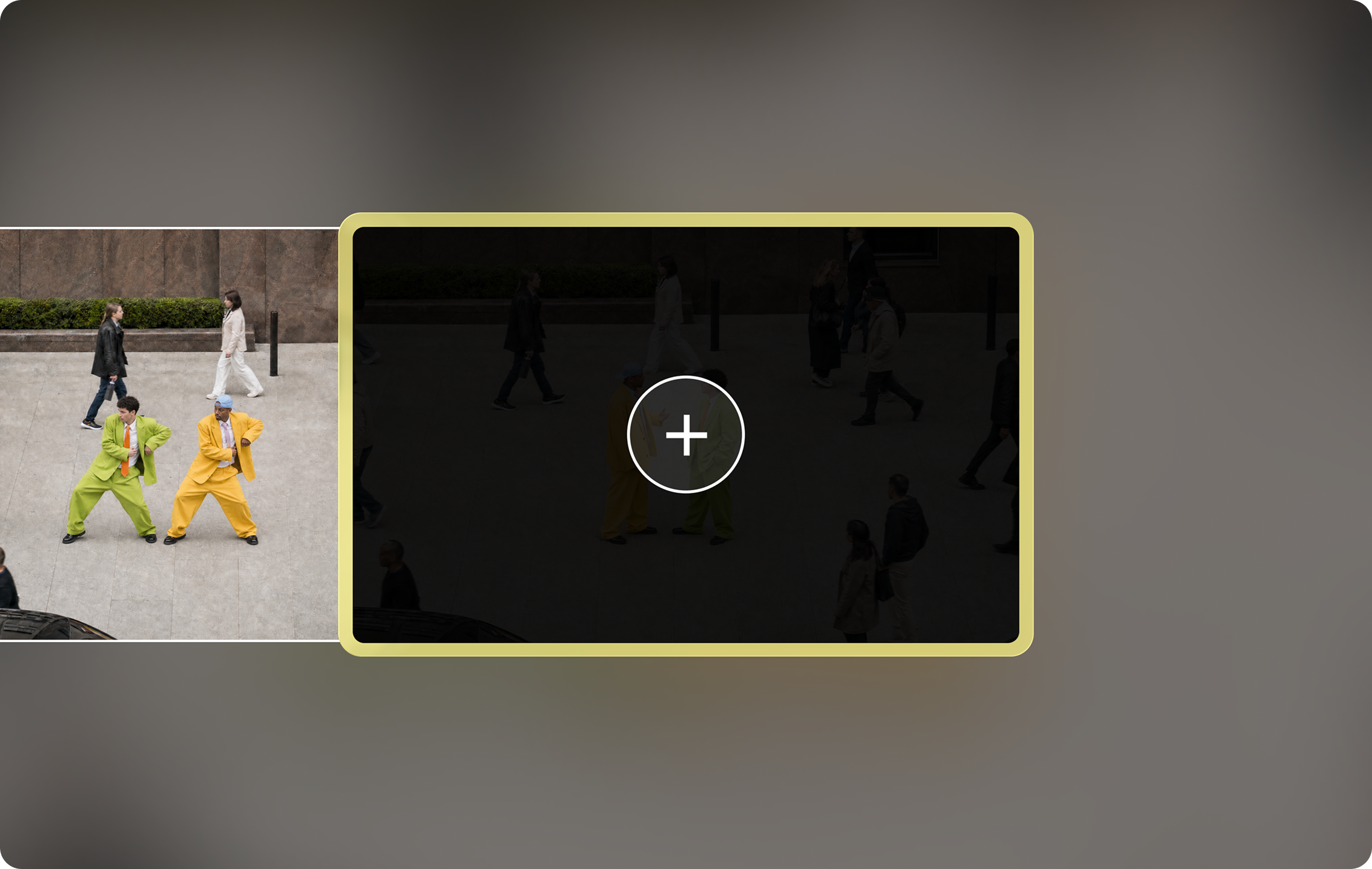
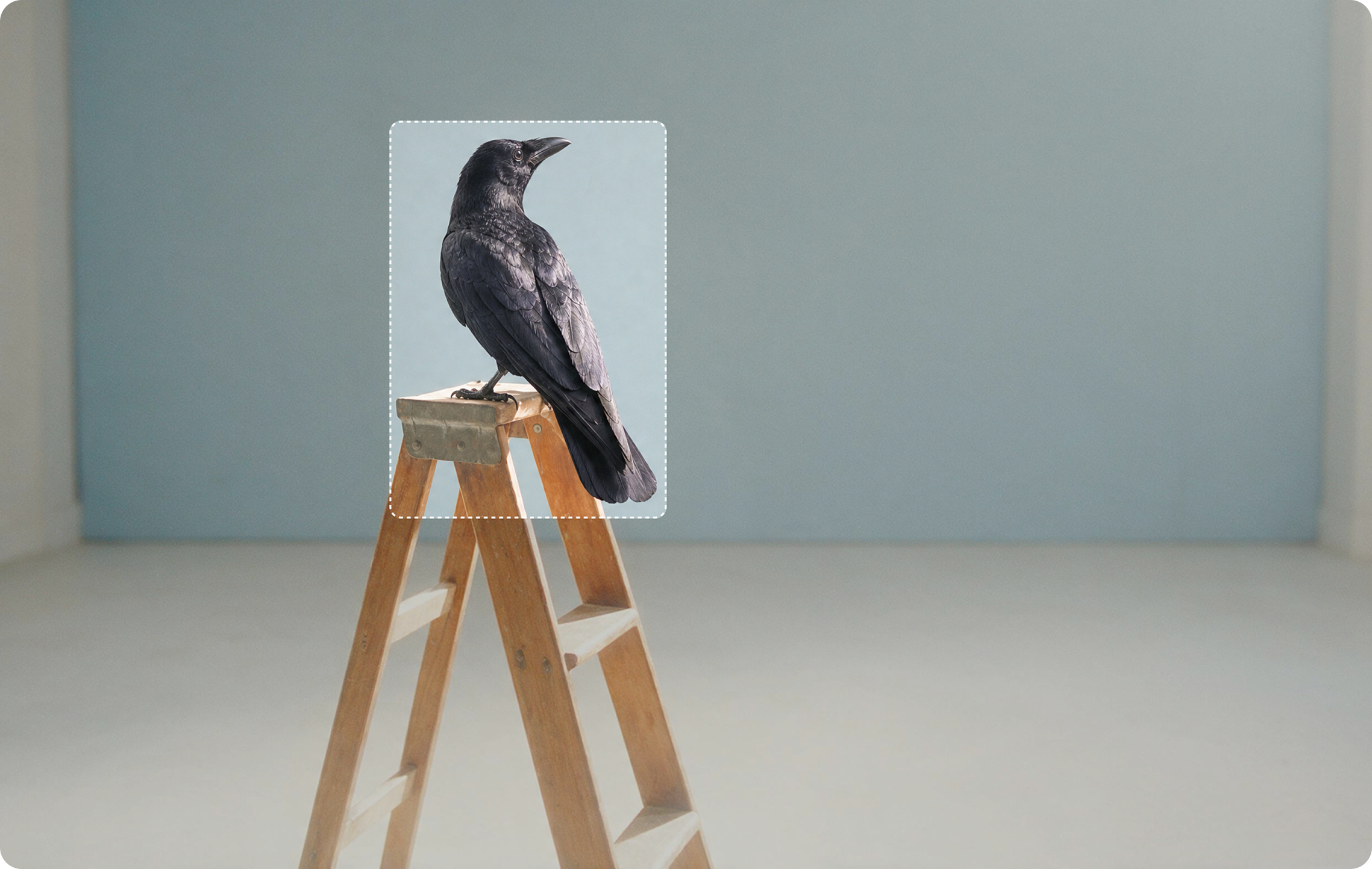
Community templates
The apps page ends with Community Templates, linking to Discover, where you can remix other people’s creations. See our Pika templates guide.
Credits and plans
- Each app and model uses credits, which vary by model and settings. Pika lists, for example, 33 credits for Wan 3.0 and 122 for Seedance 2.5 (720p, 5 seconds), 8 for a Nano Banana 2 image and 2 for a GPT Image 2.5 image (1K).
- The Free plan has “0 credits / month · packs only.”
- Paid plans: Starter $10 (900 credits), Creator $35 (3,150), Fancy $95 (8,550). Commercial license from Creator.
Details: Pika pricing. Developers can call many of these as API operations: Pika for developers.
Pika apps FAQs
Where do I find Pika apps?
At create.pika.art/apps, after signing in to Pika.
What’s the difference between a studio and an app?
Studios (Video, Image, Speech, Music) are general tools with many options. Apps like Product Shot or Camera Director are built for one specific job.
Which app should beginners start with?
Video Studio for video and Image Studio for images. Then try Pika Soundtrack to add sound.
Do all apps cost the same?
No. Credit costs depend on the model and settings; the app shows the cost before you generate.
Is this the official Pika website?
No. pikaais.com is an independent informational guide.
Try one new app this week
Pick one from the goal table you’ve never used, and make one clip with it.
Open Pika apps ↗Next: Use cases · Templates · Pika pricing
Sources: Pika apps, Camera Director, Upscale, Pika homepage and Pika pricing, checked September 24, 2026. Images: Pika. Goal suggestions are our own.