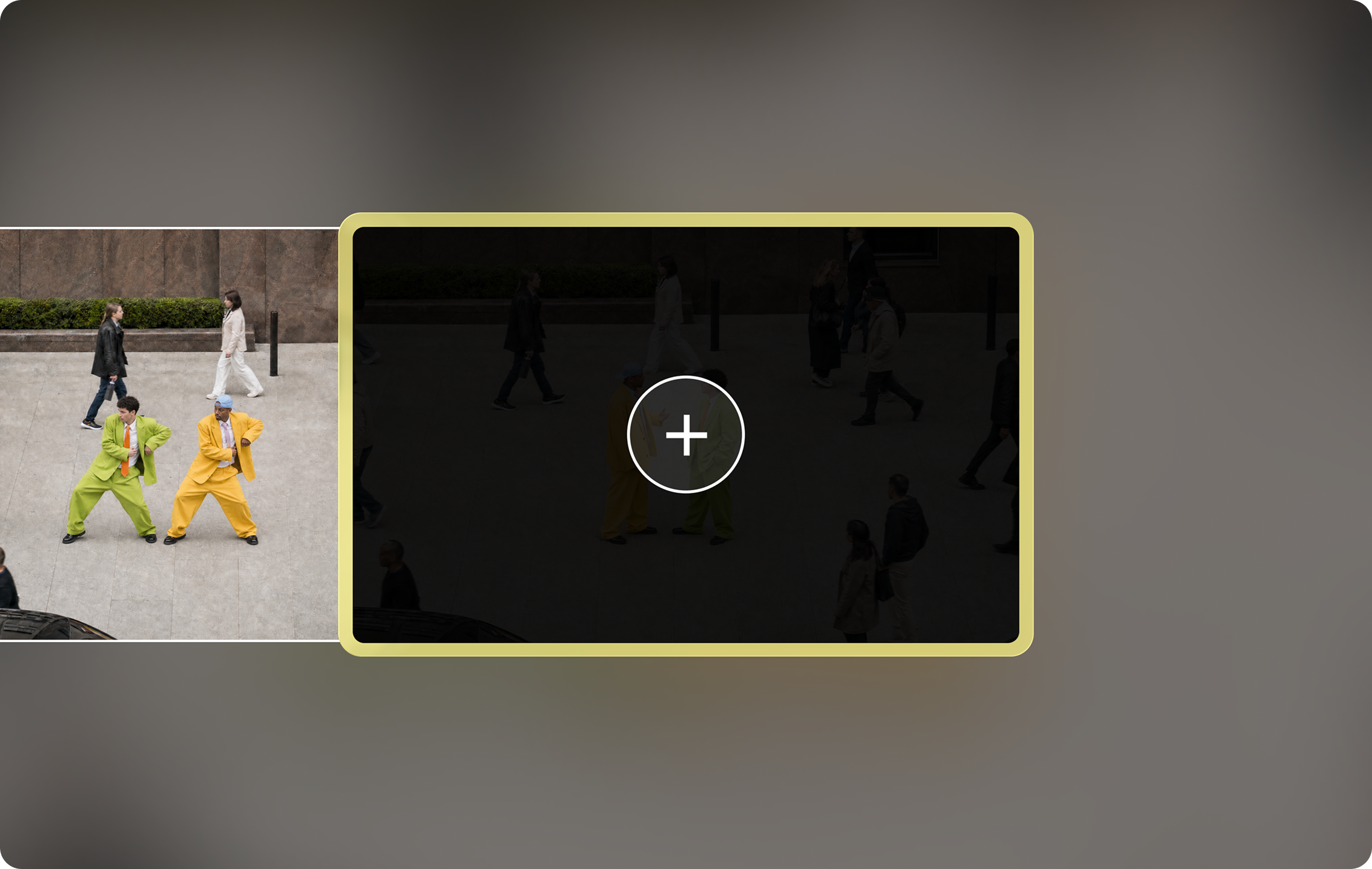
What Pika Extend Video does
Extend Video is one of Pika’s apps. Pika says it will “add up to 8 seconds to the beginning or end of your clip,” picking up “from your first or final frame” and keeping “the scene going—same subjects, motion, sound, and look.” Pika also claims the transition between new and existing footage is imperceptible.
That makes it useful in two directions. Extending the end continues the action; extending the beginning creates a lead-in, such as a subject walking into frame before the shot you already have.
When to extend instead of starting again
The clip is good but too short
A 5-second take you like is worth more than a new 10-second generation that may not match.
You need a lead-in or ending
Add a few seconds before a reveal, or let a scene settle after the action for a cleaner cut.
Matching a music or ad length
Stretch a clip to a set duration for a social placement or a beat in a track.
Footage from outside Pika
Continue a clip you shot or made elsewhere, as long as you have the right to use it.
Preparing the clip
Extend Video works from the first or last frame, so that frame matters more than anything else in the clip.
| Check | Why | If it fails |
|---|---|---|
| The edge frame is sharp | Blur or smearing gets carried into the new footage | Trim back to a cleaner frame |
| The subject is fully visible | Half-cut subjects have to be guessed | Trim to a frame where the subject is whole |
| No hard cut or fade at the edge | A cut in the last frames confuses the continuation | Remove the transition first |
| Motion is still under way | Clear direction of movement is easier to continue | Trim to mid-motion rather than a pause |
| No text or logos on screen | Text tends to warp in generated frames | Add titles after extending |
Pika’s Trim Video app is the quickest way to cut back to a clean edge frame. If the clip is soft, extend first and upscale the finished result.
How to extend a video, step by step
- Prepare the clip using the checklist above.
- Open Extend Video. Sign in at create.pika.art and open Extend Video.
- Upload or select the clip. A clip you made in Video Studio or your own footage.
- Choose the direction: the beginning for a lead-in, the end to continue the action.
- Choose how much to add, up to 8 seconds. Shorter extensions drift less, so start small.
- Describe what happens next, if the app asks. Keep it to the same subject, setting and camera, and one simple continuation of the motion.
- Check the credit cost shown in the app, then generate.
- Scrub across the join. Watch the seconds either side of the original edge frame for jumps in light, colour, position or sound.
Example continuation: The woman keeps walking along the beach toward the lighthouse at the same pace. Camera keeps tracking beside her. Same sunset light, same waves, no new people.
The example is our own. Pika’s app page doesn’t publish the cost or the model used for extensions, so check the figure shown before you generate. For plans and credit packs, see Pika pricing.
Making longer videos by chaining extensions
Each extension adds up to 8 seconds. To go further, extend the result again. Every link in the chain is a chance for small drift to build up, so work in stages:
- Extend once and check the join.
- Trim any weak frames at the new end before extending again.
- Keep the same continuation wording so the scene stays consistent.
- After two or three extensions, compare the latest frame with the original first frame.
- If the look has drifted, add a deliberate change: a cut, a new shot, or a camera move.
Planning a multi-shot piece? For longer stories, it is often cleaner to make separate shots in Video Studio, which Pika says can produce multi-shot videos up to three minutes, and use Extend Video to lengthen individual shots.
Extension examples
Each example shows the kind of clip to start from, which end to extend and what to check at the join. The project ideas are our own.
Continue a walk
Check: stride and pace stay the same across the join.
Product ad to 15 seconds
Check: the product’s shape and label don’t drift over two extensions.
Lead-in to a city reveal
Check: the added opening flows into the reveal without a jump in height.
Let a scene settle to music
Check: the audio continues without a click or change in tone.
Poster images: Pika. Example projects and review notes are our own.
Fixing visible seams and drift
| Problem | Likely cause | Fix |
|---|---|---|
| Visible jump at the join | Blurry or mid-transition edge frame | Trim to a clean frame and extend again |
| Subject changes appearance | Subject partly hidden in the edge frame | Trim to a frame where the subject is fully visible |
| Motion stalls or reverses | Clip ends on a pause, or the continuation is unclear | End mid-motion; describe the direction of movement |
| Colour or light shifts | Drift over several chained extensions | Extend in shorter steps; use Color Grade on the whole clip |
| New objects or people appear | Open-ended continuation | Add “same scene, no new people or objects” |
| Audio doesn’t match | Sound changes at the join | Replace the soundtrack across the full clip with Pika Soundtrack |
Finishing tools: Color Grade, Pika Soundtrack and Upscale. More help: troubleshooting guide.
Extend, regenerate longer, or use Pikaframes?
| Option | Best when | Trade-off |
|---|---|---|
| Extend Video | You already have a take you like | Up to 8 seconds per extension; drift can build over many |
| Regenerate at a longer duration | You haven’t got a keeper yet | Costs more per attempt; the whole clip changes each time |
| Pikaframes | You know exactly where the clip must end | Needs prepared keyframe images |
| Multi-shot in Video Studio | The story needs several different shots | Needs consistent references across shots |
Extend Video FAQs
How much can Pika add to a video?
Pika’s app page says up to 8 seconds to the beginning or end of a clip per extension. You can extend the result again for more length.
Can I extend the start of a clip, not just the end?
Yes. Pika lists both directions: it works from your first frame to add a lead-in, or your final frame to continue the action.
Does it keep the sound?
Pika says the extension keeps the same “subjects, motion, sound, and look.” Always listen across the join before publishing.
Can I extend videos not made with Pika?
You can upload your own clips, provided you have the rights to them. Clean, steady footage without text on screen extends best.
How much does it cost to extend a video?
Pika’s app page doesn’t list a fixed price; the app shows the cost before you generate. The Free plan lists zero monthly credits; see is Pika AI free?
Is this the official Pika website?
No. pikaais.com is an independent informational guide. Generation, accounts and purchases take place on Pika’s official services.
Extend one clip by a few seconds
Trim your best clip to a clean final frame, add a short extension to the end, and check the join before going further.
Open Extend Video ↗Next: Video Studio · Pikaframes · All AI video guides
Sources: Pika Extend Video app page, Pika and Pika pricing, checked September 24, 2026. Images: Pika. Workflow advice, examples and troubleshooting are our own.