How to read these examples
- Result image: one generation from the prompt, not retouched.
- Settings line: the model and aspect ratio used.
- Prompt: the exact text, with a Copy button.
- What to look for: the detail that shows whether the prompt worked.
- Try one change: a single edit to learn how the model responds.
Your result will differ. Image models produce a new take each time, and models are updated. Treat each result as one example of what a prompt can do. Credit costs are shown in the app before you generate; see Pika pricing.
The structure behind every prompt
For the full method, see Image Studio: create images step by step.
Product image prompts

Juice bottle packshot
A glass bottle of cold-pressed orange juice on a pale stone surface, centred, with a slice of orange beside it. Bright, soft studio light from above. Clean commercial photo, crisp detail, plain background.
What to look for: The bottle keeps a believable shape and the glass looks transparent, not painted.
Try one change: Change “pale stone surface” to “wet black slate” to test reflections.

Skincare on stone
A small frosted-glass skincare jar on a wet stone shelf in a calm spa bathroom, eucalyptus leaves beside it, soft diffused light, pale neutral tones. Close-up, shallow depth of field.
What to look for: Frosted glass, water droplets and leaves all read clearly without clutter.
Try one change: Add “morning sunlight through a window” to see how the mood shifts.

Sneaker hero
A white running shoe floating above a light grey floor with a soft shadow beneath it, dramatic side light, subtle dust particles in the air. Clean, premium product photography.
What to look for: Stitching and sole details look consistent; the shadow matches the light.
Try one change: Seedream 4 returns six takes; compare them and pick the most accurate.
Portrait and character prompts

Potter in her studio
A potter in her fifties with short grey hair and a linen apron, standing in a sunlit studio surrounded by shelves of bowls. Waist-up portrait, looking at the camera, soft window light from the right, shallow depth of field, photographic.
What to look for: Hands, eyes and the background shelves hold up when zoomed in.
Try one change: Swap “photographic” for “oil painting” to test a style change.

Retired astronaut
A retired astronaut in his seventies with a white beard and a faded orange flight jacket, sitting on a porch at dusk, gentle smile. Medium shot, warm lamp light, cinematic.
What to look for: A distinctive, consistent-looking character you could reuse.
Try one change: Reuse the description in Character Studio to build a character sheet.

Paper-cutout inventor
A teenage inventor with goggles on her head and a tool belt, standing in a cluttered workshop, in a layered paper-cutout illustration style, warm colours.
What to look for: The paper-cutout style is applied consistently to character and background.
Try one change: Change the style to “claymation” and compare the six takes.
Scene and travel prompts

Rainy bookshop
A small bookshop on a rainy evening, seen from the street, warm light glowing through the window, a cat asleep on the windowsill. Wide shot. Watercolour illustration, soft edges, muted blues and warm yellows.
What to look for: Watercolour texture looks intentional; the cat is clearly readable.
Try one change: Remove “watercolour illustration” to see the photographic version.

Harbour at sunrise
A quiet fishing harbour just after sunrise, wooden boats on calm water, mist over the far shore, gulls in the sky. 35mm film look, cool blue and soft orange tones.
What to look for: Boats and reflections line up; the horizon is level.
Try one change: Use this as a start frame and animate it in Video Studio (see below).

Neon street
A narrow city street at night after rain, neon signs reflected in puddles, a lone cyclist passing. Vertical frame, cinematic, deep blues and magenta.
What to look for: Reflections look natural; sign text doesn’t dominate.
Try one change: Add “no readable text on signs” if signs come out garbled.
Graphics, posters and text prompts

Retro travel poster
A retro travel poster of a mountain lake at sunrise, pine trees in the foreground. Bold flat colours, 1960s screen-print style. Headline at the top reading “Visit Lake Aurora” in a clean sans-serif.
What to look for: The headline is spelled correctly and sits cleanly in the layout.
Try one change: Shorten the headline if any letters come out wrong.

Bilingual café menu board
A chalkboard café menu on a brick wall, hand-lettered, listing “Coffee / Café”, “Tea / Thé” and “Cake / Gâteau”, small doodles of cups. Warm café lighting.
What to look for: Seedream 5 lists “native multilingual text”; check every word.
Try one change: Try a different language pair to test multilingual text further.

Product cut-out
A single red enamel coffee mug, three-quarter view, isolated with no background, soft even studio light, crisp edges.
What to look for: Clean edges with a transparent background, ready for layouts.
Try one change: Place the PNG on a coloured background to check for halos.
From image to video
A good still makes a strong first frame. These clips show a few of the images above animated in Pika’s Video Studio, with the motion prompt used.
Harbour at sunrise, animated
Animate @harbour. Boats rock gently, mist drifts, gulls glide across the sky. Slow lateral pan. Keep the horizon level and the boats unchanged.
Juice bottle, light sweep
Animate @bottle. It stays still while soft light sweeps across the glass and condensation forms. Slow push-in. Keep the bottle exactly as in the image.
Rainy bookshop, living illustration
Animate @bookshop. Rain falls, the window light flickers softly, the cat’s tail twitches. Camera static. Keep the watercolour style.
Retired astronaut, small smile
Animate @astronaut. He looks up and smiles slightly, the lamp light flickers. Camera static. Keep his face and jacket exactly as in the image.
Motion prompts are our own. Learn the technique in the image-to-video guide, or join two images with Pikaframes.
Related Pika image tools
Edit Image
Fix one detail instead of regenerating: “change any photo from a written instruction — or pin up to five exact spots.” Guide.
Character Studio
Turn a character you like into a reusable character sheet. Guide.
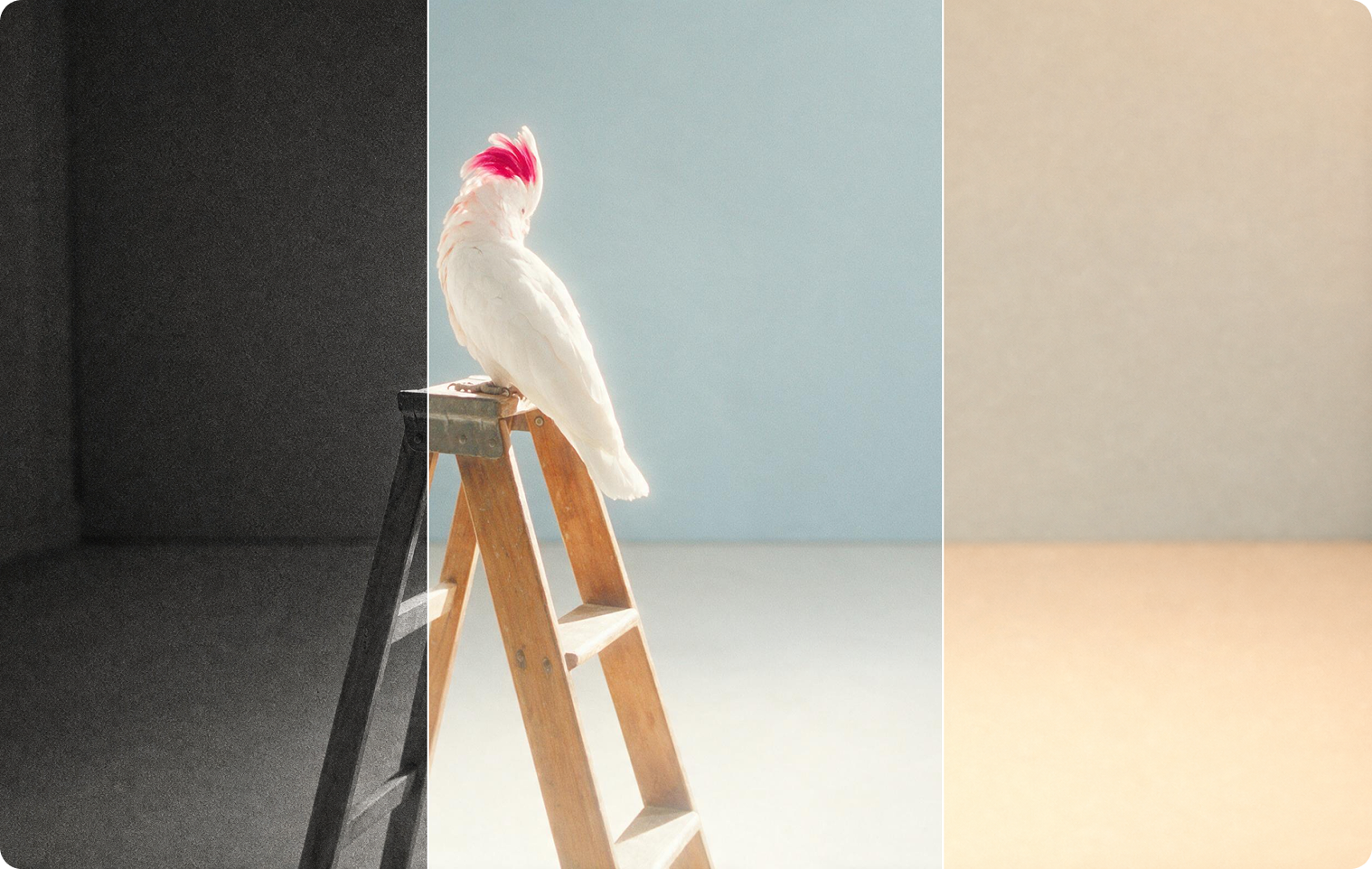
Color Grade
Adjust colour, contrast and mood on photos as well as clips. Guide.
Image prompt FAQs
Will I get the same image from the same prompt?
No. Each generation is a new take. The subject, style and layout should be similar if the prompt is clear, but details will differ.
Which model should I use for text in images?
Pika’s Nano Banana page mentions “sharp, legible type,” and Seedream 5 lists “native multilingual text.” Keep text short and in quotation marks, and check every word.
How do I get a transparent background?
Pika’s GPT Image 2.5 page lists exporting PNGs with transparency; prompt 12 is written for that.
Can I use these prompts commercially?
The prompts are free to copy. Commercial use of the images depends on your Pika plan; the pricing page lists a commercial license on Creator and Fancy.
Is this the official Pika website?
No. pikaais.com is an independent informational guide. Generation, accounts and purchases take place on Pika’s official services.
Reproduce one example
Copy a prompt, match the model and aspect ratio shown, generate, then apply its one change and compare.
Open Image Studio ↗Next: Video prompts with results · Image Studio · AI image hub
Sources: Pika app pages for Image Studio, Nano Banana, Seedream 5, Seedream 4, GPT Image 2.5 and Edit Image, checked September 24, 2026. Tool artwork and poster images: Pika. Prompts and notes are our own.