
The Pika tools for product ads
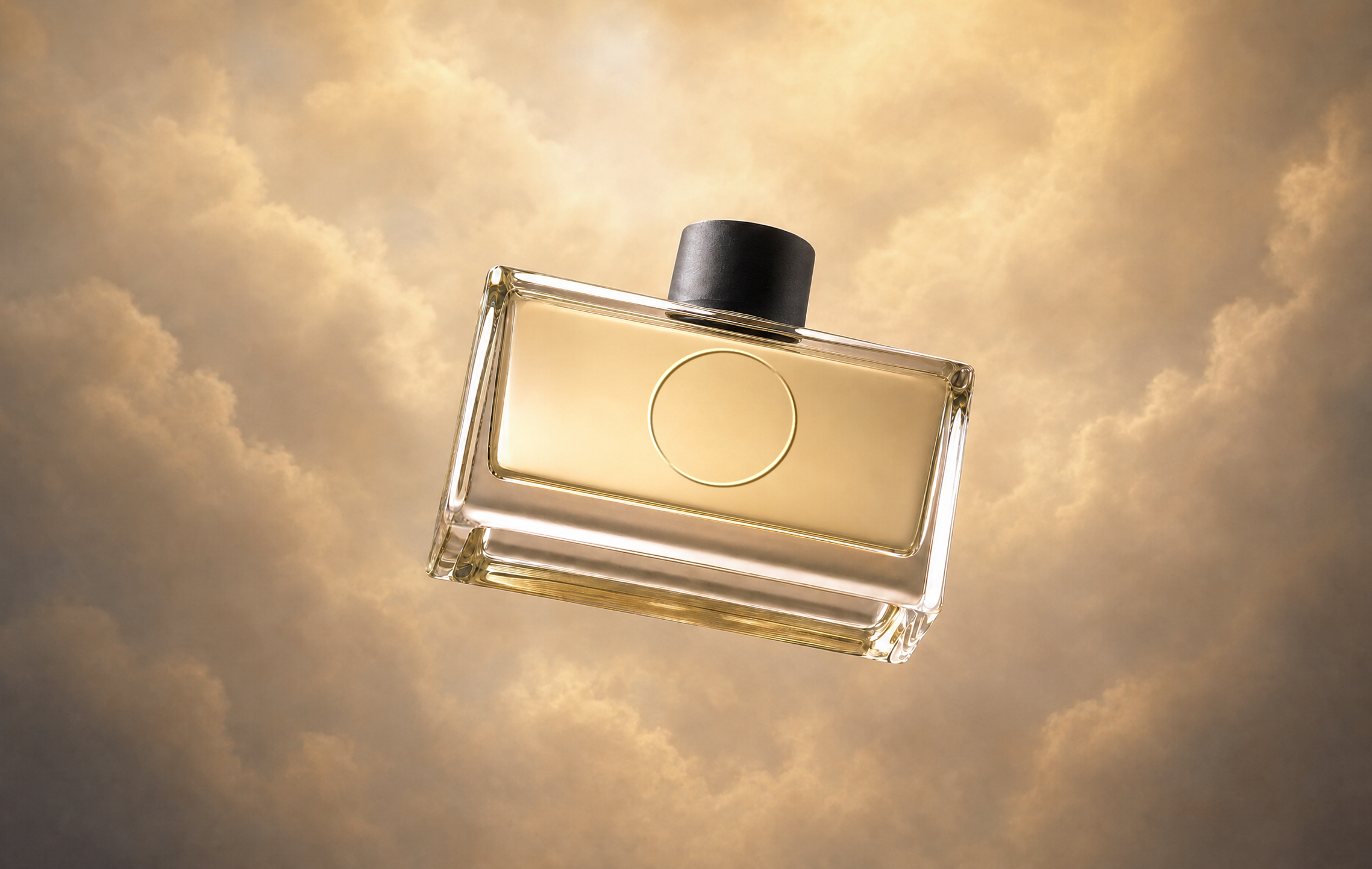
Product Shot: studio stills
Pika says it gives “your product an entire shoot’s worth of professional images, without hiring a photographer,” starting from any product photo, “even something shot on your phone.” The app lists 24 preset styles, such as Center Stage, Spotlit, Hard Light and Spa Day, with a 1:1 aspect ratio on the GPT Image 2.5 model.
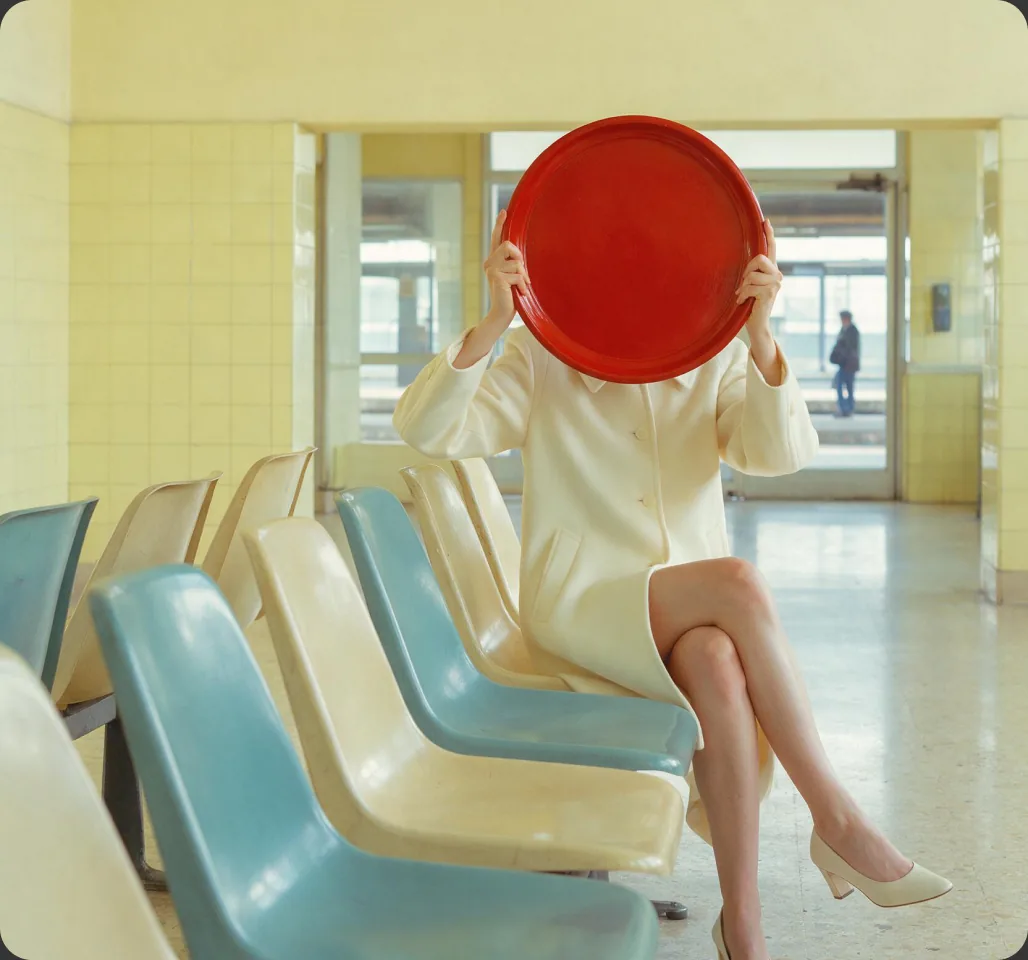
Product Ad: image + brief to video
Pika says Product Ad “takes any image of your product, combines that with your brief, and turns it into a stunning, market-ready video,” pitched as high-production value “without a high-priced production.”
For more control, you can also build ads shot by shot in Video Studio, attaching the product as a reference and @mentioning it in each prompt. Finishing tools such as Extend Video, Color Grade and Pika Soundtrack complete the ad.
The product ad workflow
- Prepare the product image. Run a phone photo through Product Shot for clean, studio-style stills.
- Write the brief with the template below.
- Open Product Ad, upload the image and paste the brief.
- Check the credit cost the app shows, then generate.
- Review against the real product: shape, colour, label, proportions.
- Finish: extend to the length you need, grade to your brand look, add music, then add text and logos in your editor.
- Make variations for different placements and test which performs.
Pika’s app pages don’t list prices, lengths or output formats for Product Ad; check the options and cost shown in the app. A commercial license is listed on the Creator and Fancy plans on Pika’s pricing page.
Getting the product photo right
The product image is what the ad is built on. Any flaw in it tends to show up in every frame.
- Show the product clearly: in focus, well lit, fully in frame, with the label facing the camera.
- Use a plain background. Clutter competes with the product and can blend into it once things move.
- Keep colours true. Avoid strong filters; customers will compare the ad with the real item.
- Shoot the angle you want to sell. Front for labels, three-quarter for shape, top-down for flat-lays.
- Use images you own. Your own product photos, or ones you’re licensed to use.
More on stills: AI product images and Product Shot.
Writing the brief
A good brief tells the model who the ad is for, what it should say and how it should feel. Fill in each line; leave out anything that doesn’t matter.
Example brief: A reusable stainless-steel water bottle for people who cycle to work. Message: stays cold all day. Mood: fresh, bright morning energy, cool blue tones. Scene: the bottle on a bike’s bottle cage, condensation on the steel, city street softly blurred behind; slow push-in. Keep the logo, colour and shape exactly as in the image. No on-screen text.
The example is our own. Only describe benefits the product really has; see the pre-publish checklist.
Formats and placements
Decide where the ad will run before you generate, so the framing works from the start. These are common conventions; check each platform’s current ad specs before publishing.
| Placement | Typical ratio | Framing tip |
|---|---|---|
| Reels, Stories, TikTok, Shorts | 9:16 vertical | Product centred, space top and bottom for captions and buttons |
| Feed posts | 1:1 or 4:5 | Product large in frame, simple background |
| YouTube, website hero, presentations | 16:9 horizontal | Room beside the product for headline text |
| Marketplace listings | Check the marketplace | Clean, accurate, minimal styling |
Platform guides: Instagram Reels and YouTube Shorts.
Six ad concepts to try
The reveal
Box opens, lid lifts or light sweeps across to reveal the product. Simple, and works for almost anything.
Hero orbit
Slow orbit around the product on a clean surface to show shape and materials.
In context
The product where it’s used: a bottle on a bike, a candle on a bedside table, a bag on a café chair.
Texture close-up
Macro shots of cream, fabric, condensation or brushed metal, with slow movement.
Mood world
The product in a stylised setting that matches the brand: misty forest, neon city, sunlit spa.
Before and after
A transition between two states using Pikaframes, such as closed and open, or empty and styled.
Product ad examples
Each example lists the concept, the format and what to check. The projects are our own ideas.
Skincare reveal
Check: the label stays readable and the jar colour matches the real product.
Sneaker hero orbit
Check: the shoe’s shape and stitching hold from every angle.
Water bottle in context
Check: the logo stays sharp and the setting doesn’t overpower the product.
Candle mood world
Check: the flame moves naturally and the jar colour survives the grade.
Poster images: Pika. Ad concepts and review notes are our own.
Pre-publish checklist
Accuracy
- The product’s shape, colour, size and label match the real item.
- No features, results or claims the product doesn’t deliver.
- No invented reviews, ratings or endorsements.
Rights and rules
- Your Pika plan covers commercial use (Creator or Fancy, per the pricing page).
- You have rights to any music, logos and people shown.
- You follow the ad platform’s rules, including any AI-content labelling.
Advertising rules vary by country and platform. This checklist is general guidance, not legal advice.
Common problems and fixes
| Problem | Fix |
|---|---|
| Label or logo is garbled | Use a sharper, front-facing image; add “keep the label exactly as in the image”; slow the motion |
| Product shape changes | Choose a simpler camera move or “camera static”; keep the clip short |
| Colours don’t match the real product | Add “keep product colour exact”; grade with that protection note |
| Scene distracts from the product | Simplify the setting and move the product description to the first sentence |
| Ad is too short for the placement | Use Extend Video rather than regenerating |
| Generated text looks wrong | Add “no on-screen text” and put headlines in your editor |
Product ads FAQs
What do I need to make a product ad with Pika?
A product image and a short brief for Product Ad, plus credits. A clean studio-style image from Product Shot usually gives better results than a raw phone photo.
Can I use a phone photo of my product?
Yes. Pika says Product Shot works from “even something shot on your phone.” Make sure it’s sharp, well lit and shows the product clearly.
Can I use Pika product ads commercially?
Pika’s pricing page lists a commercial license on the Creator and Fancy plans, not on Free or Starter. Check the current terms before running paid ads.
Should I use Product Ad or Video Studio?
Product Ad is the quicker route from image and brief to a finished video. Video Studio gives shot-by-shot control, useful for multi-shot ads or several products.
How much does a product ad cost to make?
Pika’s app page doesn’t list a fixed price; the cost is shown in the app. See Pika pricing for plans and credit packs.
Is this the official Pika website?
No. pikaais.com is an independent informational guide. Generation, accounts and purchases take place on Pika’s official services.
Make one ad for one placement
Clean up a product photo, write a six-line brief, and generate a single ad for the placement you care about most.
Open Product Ad ↗Next: Product Shot · Color Grade · All AI video guides
Sources: Pika Product Ad, Pika Product Shot and Pika pricing, checked September 24, 2026. Images: Pika. Workflow advice, brief template, concepts and checklist are our own.