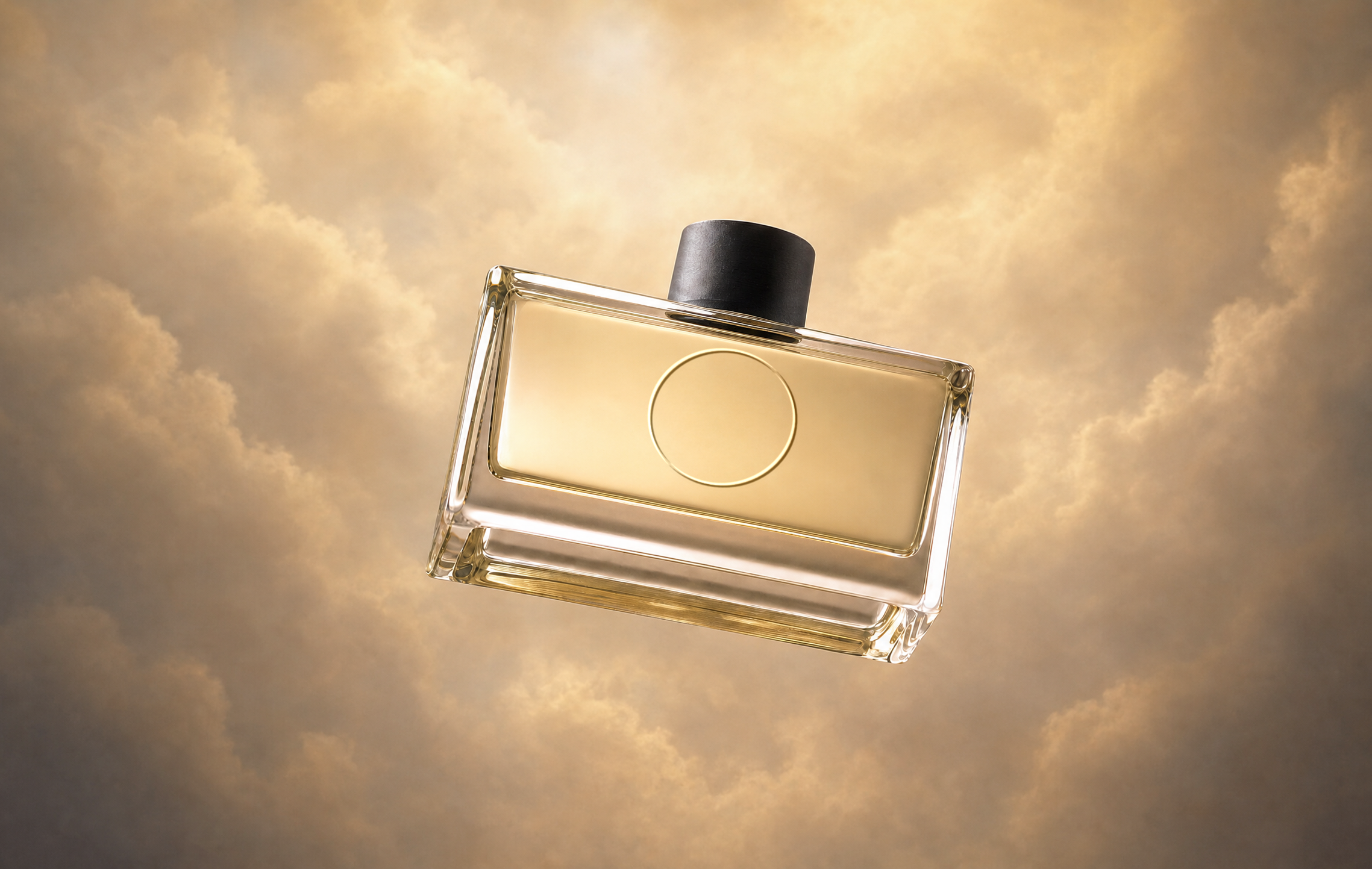
Make a short product promotion with Pika AI. Plan a 15-second ad, prepare your product photo,
generate three key shots, then add text, music and a call to action, ready for Reels, TikTok,
YouTube or your online store.
Short promos work best with a simple four-beat structure. Pick one product, one benefit and one platform before you write any prompts.
1. Hook
A bold close-up or quick zoom that stops the scroll.
2. Product
The hero shot: the full product, beautifully lit.
3. Benefit
A detail or lifestyle shot that shows why it matters.
Your offer hereShop now →
4. Call to action
Logo, price or offer and one clear next step.
HookProductBenefitCTA
Storyboard frames are CSS animations using official Pika images, not Pika outputs.
Step 2
Prepare your product photo
If the ad must show your real product, start from a photo and use image-to-video. The better the photo, the less the product changes during the animation.
Sharp, well-lit photo with the product clearly in the centre.
Clean, simple background (plain colour, marble, wood or studio).
Crop to your platform first: 9:16 for Reels, 16:9 for YouTube, 1:1 for feeds.
Leave space around the product for camera movement.
Avoid blurry, dark or cluttered photos, and small text on labels.
Tip: no product photo yet? Use text-to-video for mood and lifestyle shots, and keep the real product for the hero shot.
Most product promos need just three clips. Use one camera move per shot, draft with a cheaper model, then re-run your best prompts with a higher-quality model. Example product: a glass serum bottle.
Shot 1 · Hero shot
Show the whole product looking its best. A slow orbit or push in on a clean background.
PromptA glass serum bottle on a wet marble surface, soft morning light, water droplets, slow 360-degree orbit around the bottle, premium commercial look.
Camera & length: Orbit · 5 s
Shot 2 · Detail shot
Highlight one feature or texture that sells the product.
PromptExtreme close-up of a glass serum bottle, a single golden drop falling from the dropper, slow push in, shallow depth of field.
Camera & length: Push in · 5 s
Shot 3 · Lifestyle shot
Show the product in use, so viewers picture themselves with it.
PromptA woman's hand picking up a glass serum bottle from a bathroom shelf, warm natural light, gentle handheld camera.
Yes. You can describe a product in a text prompt or upload a product photo and animate it. Most people generate 3–4 short clips (hero, detail and lifestyle shots) and join them in an editor with text and music.
Should I use text-to-video or image-to-video for products?
Use image-to-video with your real product photo whenever the ad must show your actual product. Text-to-video is good for mood shots and lifestyle scenes where the exact product isn’t on screen.
How long should a product promo be?
For Reels, TikTok and Shorts, 10–15 seconds works well: a hook in the first 2–3 seconds, the product, one benefit and a call to action.
Can I add text, price or a logo in Pika?
AI video models often misspell words and change logos, so add text, prices and logos afterwards in an editor such as CapCut, Canva or Premiere.
Can I use Pika product videos in paid ads?
Commercial use needs a paid plan with a commercial license (Starter and above). Videos made on the Free plan can’t be used for business. Always check Pika’s current terms.
How many credits does a product video cost?
It depends on the model and length. As a guide, a 5-second 720p clip costs about 33 credits with Wan 3.0 or about 122 with Seedance 2.5, so a three-shot promo is roughly 100–370 credits plus retries.