Control movement with ready-to-use examples. Learn the camera words Pika understands (pan, tilt,
push in, orbit, crane, tracking, dolly zoom and more), see what each move does, and copy prompts
with the settings and motion to expect.
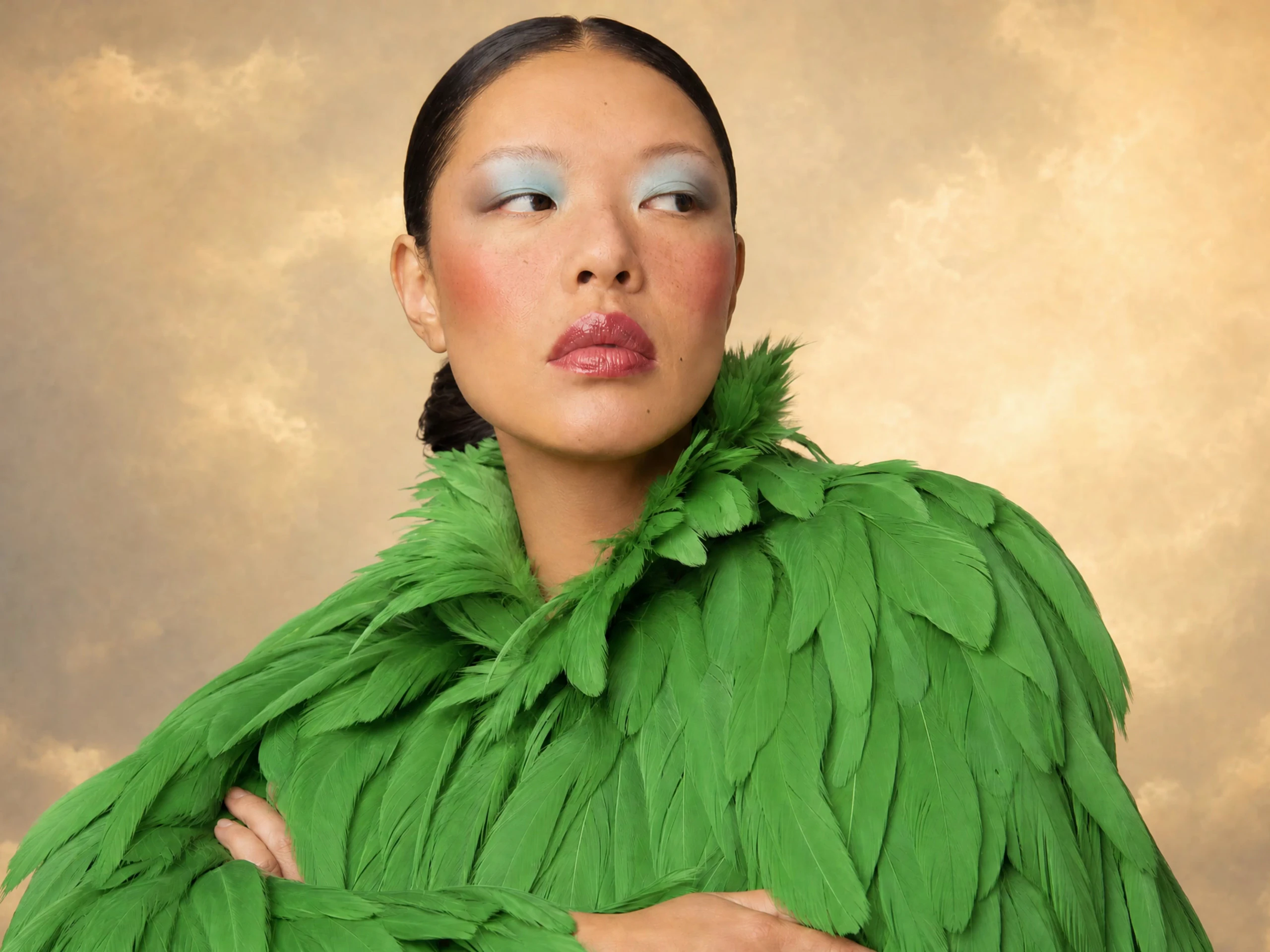
CSS illustration of a camera move, not a Pika output · image: Pika ↗
Interactive
Camera movement simulator
Pick a camera move and a speed to preview what it does and get a ready-to-paste prompt.
Speed
➡️ Push in (dolly in)
The camera moves forward towards the subject.
Best for:Portraits, reveals, emotional moments
Your promptA lone astronaut standing in a vast desert at sunset, slow push in towards the astronaut, cinematic.
Previews are simple CSS illustrations of each camera move using an official Pika image, not Pika outputs.
Examples library
12 camera movement prompt examples
Each example shows the move, a copy-ready prompt, suggested settings and the motion to expect. Cards marked “✓ Tested” include our own saved output from Pika.
📷 Static camera
Easy
The camera doesn’t move; only the subject and scene move.
PromptA steaming cup of coffee on a wooden table by a rainy window, steam rising slowly, static camera, locked-off shot.
InputText only
Length5 s
DraftWan 3.0
FinalSeedance 2.5
Expected motionSteady frame. Only the steam and rain move. The most reliable way to avoid wobble.
➡️ Push in (dolly in)
Easy
The camera moves forward towards the subject.
PromptA lone astronaut standing in a vast desert at sunset, slow push in towards the astronaut, cinematic.
InputText only
Length5 s
DraftWan 3.0
FinalSeedance 2.5
Expected motionSubject grows in the frame and the background shifts naturally. Works for almost any scene.
⬅️ Pull out (dolly out)
Easy
The camera moves backwards, revealing more of the scene.
PromptClose-up of a tiny wooden cabin, slow pull out revealing a huge snowy mountain valley around it.
InputText only
Length5 s
DraftWan 3.0
FinalSeedance 2.5
Expected motionStarts tight, ends wide. The surroundings appear as the camera moves back.
↔️ Pan right
Easy
The camera turns horizontally from left to right.
PromptA golden wheat field with distant hills at golden hour, slow pan right across the field.
InputText only
Length5 s
DraftWan 3.0
FinalSeedance 2.5
Expected motionSmooth sideways sweep. Keep it slow to avoid stretched edges.
↕️ Tilt up
Medium
The camera angles upward from low to high.
PromptBase of an ancient redwood tree in a misty forest, slow tilt up to the sunlit canopy.
InputText only
Length5 s
DraftWan 3.0
FinalSeedance 2.5
Expected motionStarts low, ends looking up. Great for showing height.
🔍 Zoom in
Easy
The lens zooms closer without the camera moving.
PromptA cat sitting on a windowsill looking outside, quick zoom in on the cat’s eyes.
InputText only
Length5 s
DraftWan 3.0
FinalSeedance 2.5
Expected motionFlatter, faster feel than a push in. Fast zooms can look abrupt; try “slow zoom” too.
🔄 Orbit (arc shot)
Medium
The camera circles around the subject.
PromptA luxury watch on a black velvet stand, soft studio light, smooth 360-degree orbit around the watch.
InputText only
Length5 s
DraftWan 3.0
FinalSeedance 2.5
Expected motionSubject stays centred while the background rotates. Simple backgrounds give the cleanest result.
🏗️ Crane up
Medium
The camera rises upward while looking at the scene.
PromptA couple standing on a beach at sunset, camera cranes up high to reveal the whole coastline.
InputText only
Length5 s
DraftWan 3.0
FinalSeedance 2.5
Expected motionLifts from eye level to a high, wide view. Feels epic and cinematic.
🏃 Tracking shot
Advanced
The camera moves alongside a moving subject.
PromptA red vintage car driving along a coastal road, tracking shot from the side, sunny afternoon.
InputText only
Length5 s
DraftWan 3.0
FinalSeedance 2.5
Expected motionSubject stays in frame as the background slides past. Fast action may blur or warp.
🤳 Handheld
Medium
Slight natural shake, like a phone or shoulder camera.
PromptA street food vendor flipping noodles at a busy night market, handheld camera, documentary style.
InputText only
Length5 s
DraftWan 3.0
FinalSeedance 2.5
Expected motionSubtle shake adds realism. Too much can look like a glitch; ask for “subtle handheld”.
🌀 Dolly zoom (vertigo)
Advanced
The camera moves while the lens zooms the opposite way, so the background warps.
PromptA man standing in a long hallway, dolly zoom vertigo effect, the hallway stretches behind him, tense mood.
InputText only
Length5 s
DraftWan 3.0
FinalSeedance 2.5
Expected motionSubject stays the same size while the background stretches. Hard to get right; try a few versions.
⏱️ Bullet time
Advanced
Time slows almost to a stop while the camera sweeps around.
PromptA dancer frozen mid-jump with water droplets in the air, bullet time, camera sweeps around her in slow motion.
InputText only
Length5 s
DraftWan 3.0
FinalSeedance 2.5
Expected motionFrozen moment with a sweeping camera. Works best with one clear subject.
Results vary between generations and models. Pika 1.5 introduced camera presets such as Bullet Time, Vertigo, Dolly Left and Crane Down; newer models also respond to these terms in prompts. Credit costs: ≈33 (Wan 3.0) and ≈122 (Seedance 2.5) for 5 s at 720p.
Fine control
Control speed and intensity
The same move feels very different at different speeds. Add one speed or intensity word right before the camera move.
Calmslow, gentle, subtle, gradual, smooth
Neutralsteady, controlled, cinematic, fluid
Energeticfast, quick, rapid, sweeping, dynamic
Slow moves look more cinematic and warp less.
Fast moves suit social hooks, but keep clips short.
For photos (image-to-video), stay slow to keep the original look.
Add a camera instruction to the end of your prompt, such as “slow push in”, “pan right”, “orbit” or “static camera”. Use one camera move per prompt and add a speed word like slow or smooth.
What camera movements does Pika understand?
Common film terms work well: static, push in, pull out, pan left or right, tilt up or down, zoom, orbit, crane up or down, tracking, handheld, dolly zoom and bullet time.
Why is my camera movement ignored?
The prompt may be too long, have several camera moves, or a move that conflicts with the action. Put one camera move at the end, keep the scene simple and try another version or model.
What’s the difference between zoom and push in?
A zoom changes the lens so the image gets bigger without moving. A push in moves the camera forward, so the background shifts more naturally. Push ins usually look more cinematic.
Can I use camera movement with image-to-video?
Yes. When animating a photo, describe only the motion and camera, for example “slow push in, hair moving in the breeze”. Gentle moves keep the result closest to your photo.
Which camera move is best for products?
A slow orbit or a slow push in on a clean background works best for products. Add “soft studio light” for a premium look.