Credits guide

Pika AI Credits: Costs, Balances and Expiration

Everything you make in Pika uses credits. Learn how much each model costs, the difference between monthly plan credits and credit packs, how to check your balance, when credits reset or expire, and how to make every credit go further.

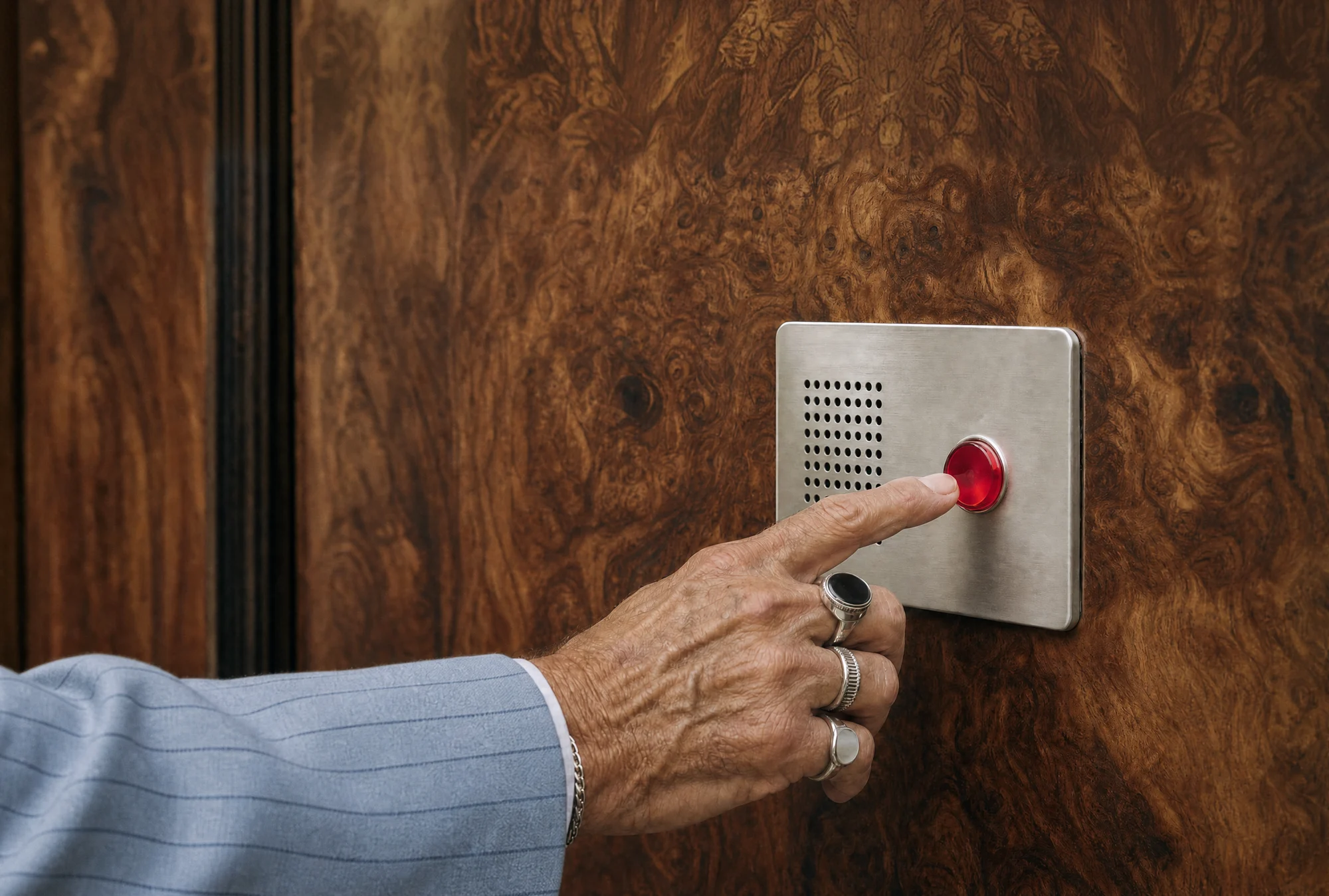
A hand pressing a red button, illustrating spending and topping up Pika AI credits
🪙 Spend → track → resetExample: Starter plan
Image credit: Pika (official site) ↗ · balance panel and coins added for illustration
Costs

How many credits does each model use?

Each generation uses credits based on the model, length and resolution. These examples show the range, from cheap image drafts to premium video.

Video · 5 s · 720p

Seedance 2.5

122credits
Video · 5 s · 720p

Wan 3.0

33credits
Image

Nano Banana 2

8credits
Image

GPT Image 2.5

2credits
ModelPremium models such as Seedance 2.5 cost several times more than faster ones such as Wan 3.0.
LengthLonger clips cost more. A 10-second clip usually costs more than a 5-second one.
Resolution1080p and higher costs more than 720p or draft resolutions.
FeatureTools such as Pikaframes with several keyframes or longer outputs can use more credits.

Example costs for 5-second 720p videos, checked 9 November 2026. Pika shows the exact cost before you generate. Costs change when models are updated. See recent model updates →

Getting credits

Monthly plans vs credit packs

You can get credits two ways: a plan that adds credits every month, or a one-off credit pack. Plans give more credits per dollar; packs suit occasional use.

OptionPriceCreditsCredits per $1
Free plan$00 per month–
Credit packFrom $251,500 (up to 66,000)≈ 60
Starter$10/mo · $8/mo yearly900 per month≈ 90 · 112 yearly
Creator$35/mo · $28/mo yearly3,150 per month≈ 90 · 112 yearly
FancyFrom $95/mo · $76/mo yearly8,550+ per month≈ 90 · 112 yearly

Prices in USD, checked 9 November 2026. Pika states payments are non-refundable. Creator and Fancy currently include free daily H3 Flex generations for a limited time. Full pricing guide → What the free plan includes →

Balances

Your balance has two kinds of credits

If you have a plan and have bought a pack, your balance contains two types of credits with different rules.

  • Monthly plan credits: added each billing period; unused ones are lost when the next period starts.
  • Purchased pack credits: stay in your account between months, until they expire 365 days after purchase.
  • Check your balance in your Pika account before generating; the cost appears before you confirm.
  • Check your usage history to see what used credits and whether failed jobs were refunded.
  • Website and app credits can’t be used for the developer API, which is billed separately.
CSS illustration
Expiration

When do Pika credits reset or expire?

Credit typeWhen it endsWhat to do
Monthly plan creditsReset at each billing period; no rollover.Plan bigger projects before your renewal date.
Credit packsCarry over, then expire 365 days after purchase.Buy only what you’ll use within a year.
Cancelled planStays active to the end of the billing period, then returns to Free.Use remaining monthly credits before the period ends.
Free H3 Flex generationsDaily allowance on Creator and Fancy, for a limited time.Use them before spending credits.

Rules checked 9 November 2026. Pika can change credit terms; check your account and Pika’s pricing FAQ for the current rules.

Interactive

Pika credit calculator

Choose your plan and how much you create each month to see whether your credits will last until they reset.

Your credits each month
0
2
10
10
30%
0credits needed per month
0900 available
  • Left over:
  • Cost per Seedance clip on this option:
  • Or this many Wan 3.0 clips in total:

Estimates use example costs for 5-second 720p clips and include retries. Your real costs depend on the models and settings you choose.

Save credits

9 ways to make Pika credits last longer

🧪

Draft cheap, finish premium

Test prompts with Wan 3.0, then re-run only the best one on Seedance 2.5.

Up to ~70% saved per test
🖼️

Start with an image

Perfect the look as a cheap image (2–8 credits), then animate it.

Fewer failed videos
⏱️

Keep clips short

Generate 5-second clips and join them in an editor.

Lower cost per try
🎯

Write clearer prompts

One subject, one action, one camera move means fewer retries.

Fewer retries
⚡

Use free H3 Flex

On Creator or Fancy, use the daily H3 Flex generations first.

0 credits
📅

Use monthly credits first

Plan bigger projects before your renewal date so nothing is wasted.

No lost credits
📆

Pay yearly if you’re sure

Yearly billing gives about 112 credits per $1 instead of about 90.

≈ 20% cheaper
🔁

Don’t spam generate

If a job is slow, wait and refresh instead of submitting again.

Avoid duplicates
📏

Lower resolution for tests

Test at 720p or draft settings and upscale only the final clip.

Cheaper drafts
Example

Draft-then-finish saves credits

Testing four prompt ideas directly on Seedance 2.5 costs about 488 credits. Testing them on Wan 3.0 first and finishing the winner on Seedance costs about 254 credits.

  • 4 × Seedance 2.5 = 4 × 122 = 488
  • 4 × Wan 3.0 + 1 × Seedance 2.5 = 132 + 122 = 254
  • Saving: about 234 credits (≈ 48%)
CSS illustration · images: Pika ↗
Troubleshooting

Credit problems and what to do

ProblemWhat to do
Credits disappearedCheck whether your billing period reset or a pack reached 365 days, then check your usage history.
Charged for a failed videoFailed jobs are often refunded after a short time. If not, email support@pika.art with the date and model.
Used more than expectedCheck the model, length and resolution; premium models and longer clips cost more.
Credits not added after paymentRefresh and sign in again. App Store purchases may take a moment; keep your receipt for support.
Want a refundPika states payments are non-refundable, but contact support about mistaken or duplicate charges.
Quick answers

Pika credits FAQ

Common questions about Pika AI credits.

Compare Pika plans →
How much does a Pika video cost in credits?

It depends on the model, length and resolution. As examples, a 5-second 720p video costs about 122 credits with Seedance 2.5 or about 33 with Wan 3.0. Images cost less, for example about 8 credits with Nano Banana 2.

Do Pika credits expire?

Monthly plan credits reset at each billing period and don’t roll over. Purchased credit packs carry over between months but expire 365 days after purchase.

Do unused monthly credits roll over?

No. Unused monthly plan credits don’t carry over to the next billing period, so use them before your renewal date.

How many credits do I get for free?

The Free plan includes 0 monthly credits. You can buy a credit pack from $25 for 1,500 credits, or choose a plan such as Starter with 900 credits a month.

Do I get credits back if a generation fails?

Failed generations are often refunded, but it may take a little time to show. Check your usage history and contact support@pika.art if credits don’t return.

Can I use Pika credits with the API?

No. Credits for Pika’s website and apps are separate from developer API billing.

What’s the cheapest way to buy Pika credits?

Plans give more credits per dollar (about 90 per $1 monthly, or 112 per $1 yearly) than credit packs (about 60 per $1). Packs are better if you only create occasionally.
Keep learning

Related guides

pikaais.com is an independent guide and isn’t affiliated with or endorsed by Pika. Credit costs and rules checked 9 November 2026; confirm on Pika’s pricing page ↗. See also: how to use Pika, login, download, text to video, image to video, Pikaffects, Pikaframes, camera movement, product videos, Reels & Shorts, privacy guide, contact, terms and privacy policy.